Invoicing is a normal part of business, but getting it right can be challenging as your transaction volume grows. You have to keep customer and supplier details, work out the correct amount of GST to apply, record any adjustments, and have the invoices all properly filed for accounting and reporting purposes. Doing it manually can be a real time sink, especially if your staff is maintaining separate records for sales, payments, and tax.
The right GST invoicing software can take up those tasks and put them into a much more structured workflow. The problem with selecting a solution purely on its ability to issue invoices, though, is that you may find yourself in a difficult position later on. You may find you need customised formats; you may need to issue credit and debit notes; you may need detailed reporting; you may need it to integrate with your accounting records; and you may have e-invoicing requirements to comply with.
Digital adoption is on the rise across Indian businesses, but choosing the right tools remains a major challenge. The India SME Forum's META Report Card 2025 (based on a survey of 7,835 MSMEs) found that 52.6% of the respondents said that choosing the right digital tools was either somewhat or very difficult. That's why businesses need a proper evaluation process rather than just going for the cheapest or most popular software.
A proper assessment will help you identify software that supports your day-to-day billing, produces accurate records, and keeps pace with ever-changing compliance requirements. It will also reduce the risk of either paying for features you don't actually need or going down the route of a very basic solution that becomes very difficult to use as your business grows.
Essential GST invoice information
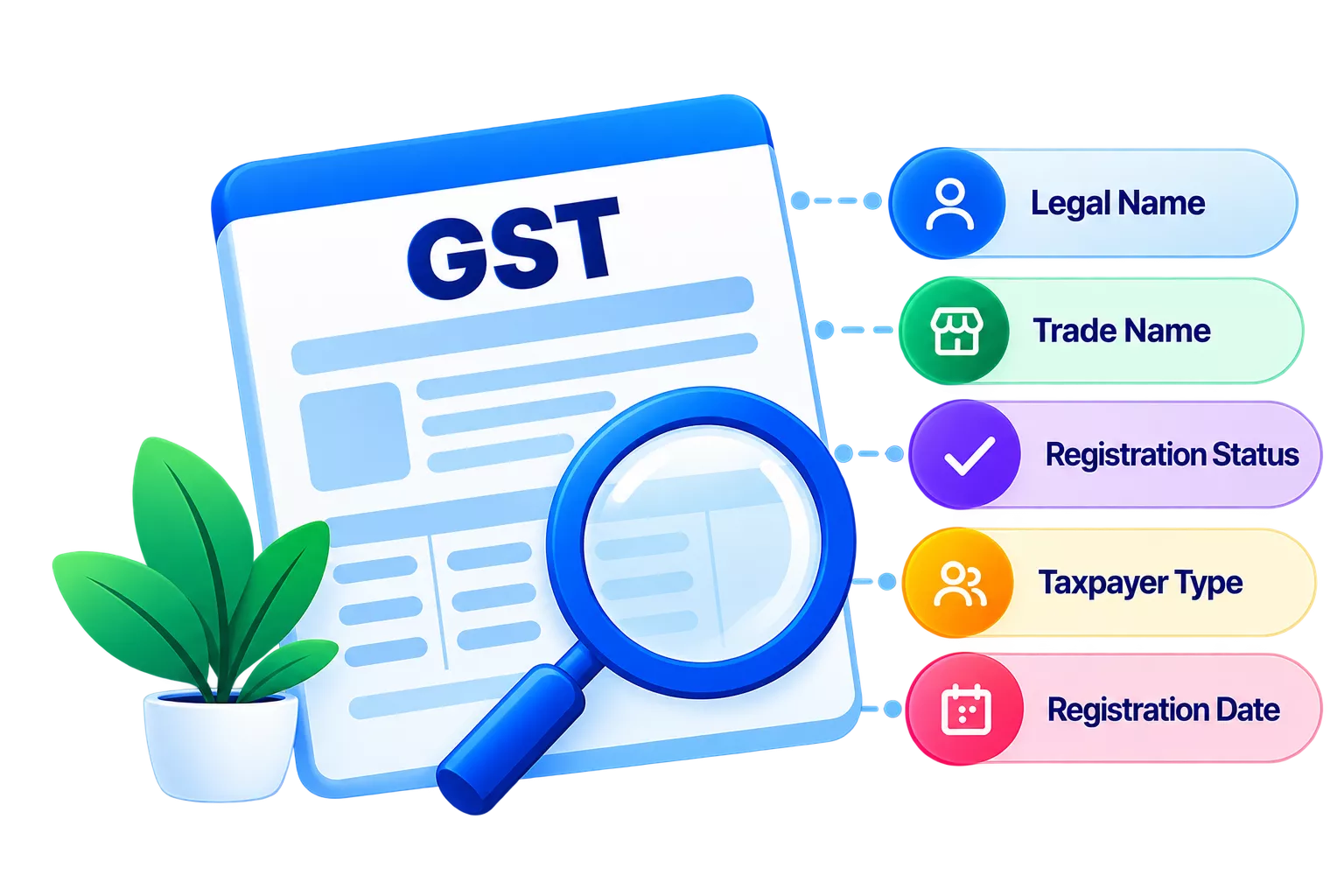
An invoice records a sale between a supplier and a customer. It shows what was supplied, what is owed, and what tax applies. The same data feeds your bookkeeping, payment reminders, and GST reporting.
Rule 46 of the CGST Rules, 2017, lists the requirements for a tax invoice. That includes the supplier's name, address, and GSTIN; a unique consecutive invoice number; the date; recipient details where required; a description of the goods or services; the taxable value; and the tax charged. Other particulars depend on the transaction, so check the CBIC rules for the full list.
When you're looking at invoicing software for small business, check that it captures all that information without your team having to retype it. The customer and product data should be reusable, and the numbering should be in a clean sequence. Here is what a practical system should handle:
- Supplier and customer details: business names, addresses, GSTINs, and other relevant information.
- Invoice numbering: a steady sequence that meets the rules.
- Item or service details: descriptions, quantities, units, prices, and classification codes.
- Transaction values: total value, taxable value, discounts, and tax amounts.
- Payment information: terms and any notes customers find useful.
- Document retrieval: search by date, customer, invoice number, or other fields.
Before you decide, create a sample invoice for a typical sale. If a required field is missing, you will see it immediately.
GST calculations and tax details
Tax calculation absolutely deserves the closest inspection. You might be selling goods at different rates, handling a variety of transaction types, and/or supplying customers in other states. One incorrect rate will result in a mismatch, which someone will then have to sort out during reconciliation.
Reliable GST invoice software lets you set up the relevant rates and attach them to the right goods or services. It should also treat CGST, SGST, and IGST correctly based on the place of supply, which depends on the transaction details and current provisions.
Look for one that stores the tax information for each product, allows you to view the figures prior to issuance, and highlights any incomplete records. Where applicable, it should support HSN codes for goods and accounting codes for services. It should also update master data when a classification changes while still allowing you to trace earlier invoices.
GST-compliant invoicing software can apply your rules and keep your records in order. It won't guarantee compliance, though. Incorrect settings or out-of-date information can still cause errors, so check your setup against current requirements and ask a tax professional if you're in any doubt.
Invoice customisation
Not all customers will want the same layout. A distributor may want product codes and delivery details. A service provider may need project numbers or billing periods. A business with multiple branches may want to indicate which branch issued the document.
When you compare invoice software for SMEs, check for flexible templates, branding options, and control over where fields sit. You should be able to add your logo, contact details, and payment instructions without removing anything the rules require.
Multiple formats are also useful. A business that sells both goods and services, for example, might want one template that is quantity-focused and another that is service description-focused. Staff should be able to select the correct template without having to rebuild the invoice each time.
Print a few samples and share a few digitally. Make sure the essential details stay visible in both. A custom layout should make things clearer, not hide them.
Credit and debit notes
Invoices sometimes need to be corrected after they go out. Goods come back, a discount gets approved, or the taxable value turns out to be wrong. Occasionally, the amount charged is too low and needs to be increased.
Credit and debit notes record these changes. Under Section 34 of the CGST Act, a credit note may be applied for excess taxable value or tax, returned goods, or deficient supplies. A debit note may apply when the original invoice understated the value or tax. The right treatment depends on the facts.
Check that your software can issue both, with a reference to the original invoice. It should capture the document number, date, customer details, adjustment value, and tax. Linking the two documents shows why the amount changed.
An audit trail is important here. Users need to be able to distinguish the original invoice from any subsequent adjustments, with nothing overwritten. That's going to be important if multiple people are working on billing or if the records are ever reviewed.
Test the common scenarios prior to buying. Issue a note, check the entries, and pull up both documents. Find out how it supports reporting and return preparation and check the deadlines against the current official guidance.
Invoice reports and records
Invoice data becomes useful once you can read it. Without organised records, people waste time hunting for documents, checking payment status, or matching invoices with accounting entries.
Look for filters by date, customer, document number, and payment status. Sales summaries show billing activity over a period, and outstanding invoice reports show who still owes you. Tax reports help you investigate gaps between recorded and reported figures.
With GST accounting software, look at how invoice data reaches your books. A connected setup reduces double entry and makes receivables, revenue, and tax easier to review. If you run separate systems, check for dependable exports or data exchange.
Retention matters as well. You should be able to find an old invoice when a customer asks for a copy or an accountant needs support. Access controls keep sensitive information with authorised staff, and regular backups protect against loss.
The following table summarises the key features to assess when comparing invoicing solutions:
|
Feature |
What to check |
Why it matters |
|
Invoice information |
Required fields, customer records, product details, and numbering |
Supports complete and consistent invoices |
|
GST calculations |
Tax configuration, applicable rates, and tax breakdowns |
Helps reduce calculation errors |
|
Custom templates |
Branding, layout options, and relevant business fields |
Makes invoices easier to read |
|
Credit and debit notes |
Adjustment documents linked to original invoices |
Improves traceability |
|
Reports |
Sales summaries, outstanding invoices, and tax-related records |
Supports review and reconciliation |
|
E-invoicing |
Applicable workflow and integration requirements |
Helps businesses manage relevant reporting processes |
|
User access |
Permissions, backups, and audit trails |
Supports record security and accountability |
|
Integration |
Links with accounting, inventory, and other systems |
Reduces duplicate work |
|
Scalability |
Support for additional users, branches, and transaction volumes |
Helps the solution accommodate growth |
Ask for a demo built on your transactions. A long list of reports means little unless it shows what your team needs.
E-invoicing considerations
Electronic invoicing applies to taxpayers covered by India's notified GST rules. Eligible businesses report invoice details to the Invoice Registration Portal (IRP) and receive an Invoice Reference Number (IRN). A signed QR code and other prescribed details are included.
It is not the same as making a PDF and emailing it. Electronic invoicing means reporting invoice data through the prescribed system. It covers the notified categories of taxpayers and transactions, as well as the conditions and exemptions.
Work out whether it applies to you based on turnover, transaction types, and the latest notifications. GST invoice rules have changed, so confirm on the official GST e-invoice portal and seek professional advice if needed.
If applicable, check that the software can generate the required data, connect to the correct system or authorised provider, handle IRN and QR details, and handle rejected submissions. It should also show staff which transactions need to be processed.
Ask what happens when invoice details change after an IRN exists. Cancellation and correction follow prescribed procedures, so an invoice cannot be edited like an ordinary draft.
Even if it does not apply today, ask how the provider handles rule changes. A clear update process makes a later switch far less painful.
Ease of use and workflow
A tool packed with features is no help if your team dislikes using it. Cluttered screens and repeated data entry slow down billing and lead to mistakes in invites. Judge how well it fits the way you already work.
Here is what to look for:
- Simple invoicing: staff can create, save, and find invoices without fuss.
- Smooth workflows: tax checks, approvals, credit notes, and payment reminders flow without extra steps.
- Easy navigation: reusable records, clear error messages, and quick search.
- Training and support: useful guides and a support team that responds.
- User permissions: staff can do their jobs while financial data stays protected.
- Easy data migration: customer details, products, and past invoices move across without halting billing.
Scalability for business growth
The tool that suits you now may not suit you after you add customers, products, branches, or staff. Growth can bring a need for more formats, extra user accounts, stronger reports, or links to inventory and accounts.
Look past your current invoice count. Think about expected monthly transactions, how many people will log in, and whether you plan to open new locations or sales channels. The software should stretch without forcing you to rebuild your process.
Integration is relevant here as well. If inventory and accounts are in separate systems, then the same sale could, in theory, be entered twice. Find out what data moves between the systems, how frequently it updates, and how errors are dealt with.
Read the pricing very carefully. Some vendors will charge you by user, invoice volume, feature, or location, and the entry price can be quickly swallowed by costs. Always ask for a full breakdown of subscription, setup, support, and upgrade costs.
Portability is important in the long term. Make sure you can export your invoices and reports in a format that is useful to you. Ensure you understand the provider's backup and data access arrangements prior to signing.
Pick the features based on your actual plans, and skip the more advanced ones you have absolutely no use for. A year's review will tell you whether it's still the right tool.
Wrapping up
A good choice is one that provides compliance support, accurate data, reporting, and usability, and meets your future needs. Test your everyday transactions to see how the adjustments work and ensure that the electronic invoicing capabilities align with your actual obligations. That kind of work will save you the cost of switching too early.
TallyPrime can support your invoicing and accounting workflows by maintaining your transaction records and enabling you to review reports. Whatever you shortlist, you need to compare it against your actual billing process, assess the integration requirements, and check what level of support is available. The right solution will keep your invoicing in order now and allow you to grow.