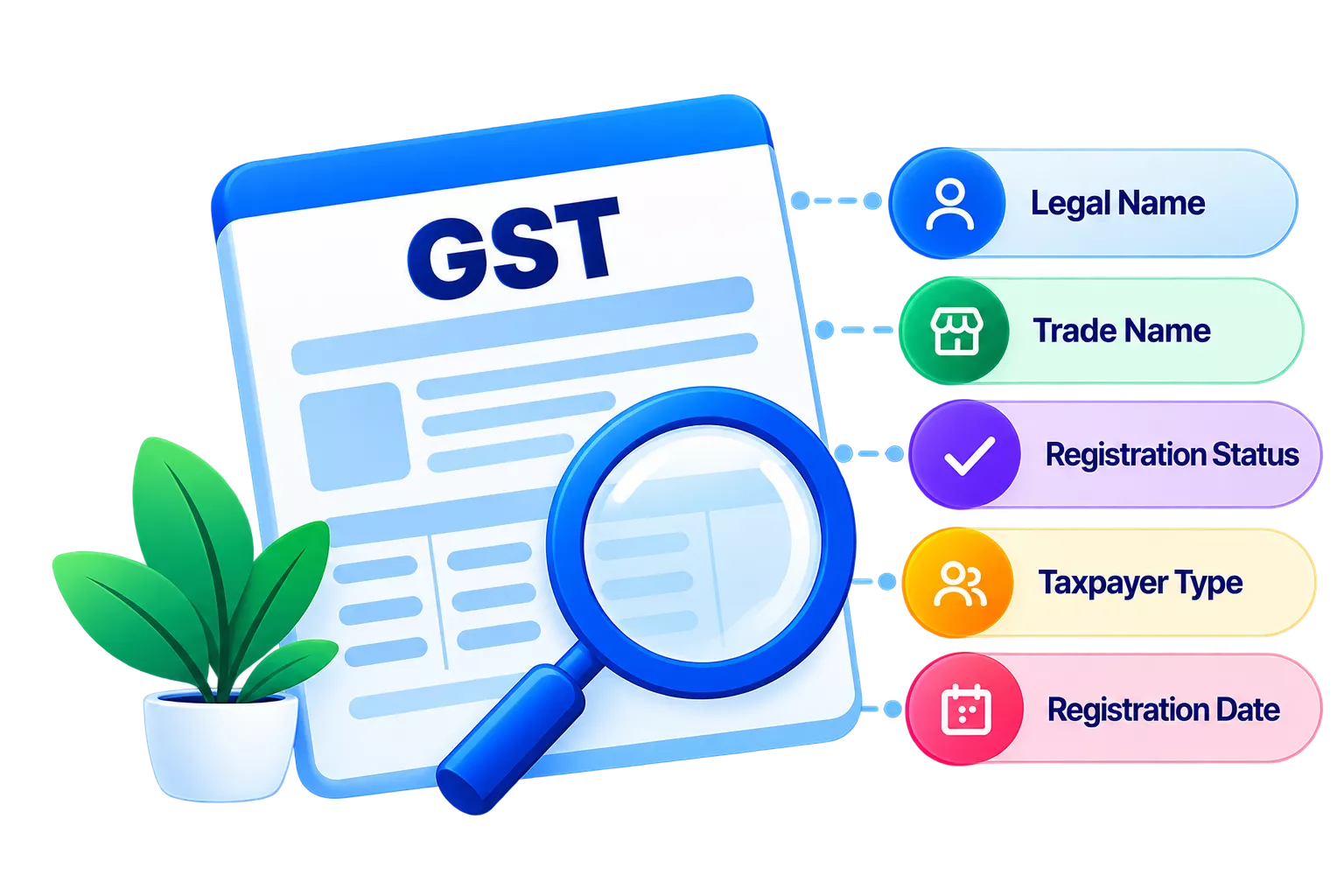
A single wrong digit in a supplier’s Goods and Services Tax Identification Number (GSTIN) can block an Input Tax Credit (ITC) claim or create a mismatch in GSTR-2B. Section 16(2) of the Central Goods and Services Tax (CGST) Act, 2017, makes ITC eligibility conditional on the invoice matching your GSTR-2B. If the GSTIN on a purchase invoice is invalid, inactive or belongs to a different supplier branch, that invoice will not appear in your GSTR-2B and the ITC you claim on it can be disallowed with interest.
Why does verifying a supplier’s GSTIN matter before booking a purchase invoice?
The GST portal links every ITC claim to the supplier’s GSTIN. If the supplier’s registration is cancelled or their GSTIN status shows as suspended, the invoice will not reflect in your GSTR-2B regardless of whether you paid the tax. Booking the purchase before you check exposes your business to ITC reversals and possible interest under Section 50 of the CGST Act.
Beyond ITC, an unverified GSTIN in your vendor master creates downstream problems. It affects GSTR-2B reconciliation, increases the time your accounts team spends on corrections and, in cases of fraudulent invoices, can attract scrutiny from the GST department.
What should you check on a supplier’s GSTIN?
Run these checks on the GST portal before saving any GSTIN in your records.
|
What to check |
How to verify |
What to look for |
|
Invoice and GST portal |
15 alphanumeric characters starting with a 2-digit state code followed by a 10-digit PAN. |
|
|
Legal name |
GST portal search result |
The legal name on the portal must match the name printed on the supplier’s invoice exactly. |
|
Trade name |
GST portal search result |
The trade name may differ from the legal name. Confirm the invoice shows one or the other. |
|
GSTIN status |
GST portal |
The status must show Active. Suspended or Cancelled means ITC from this supplier is at risk. |
|
Supplier state |
GST portal |
The first two digits of the GSTIN must match the state from which the supplier is supplying. |
|
Invoice GSTIN vs vendor master |
Invoice against vendor ledger |
The GSTIN on the invoice must be character-for-character identical to what is saved in your vendor master. |
|
Taxpayer type |
GST portal |
Regular taxpayers charge GST on invoices. Composition dealers cannot charge GST and issue a bill of supply instead. |
|
Invoice date vs registration date |
GST portal and invoice |
The invoice date must fall on or after the date the supplier obtained GST registration. |
You can use the table above as a reference before every new supplier onboarding. Download a printer-ready version of this checklist to share with your accounts team.
What should you verify before creating a supplier ledger?
When you onboard a new supplier, the ledger is the foundation. Errors at this stage carry through to every invoice you book against that supplier. Follow these steps to verify supplier GSTIN:
- Look up the GSTIN on the GST portal and confirm the status is Active.
- Confirm the legal name on the portal matches the name on the supplier’s invoice exactly, including any abbreviations and punctuation.
- Note the taxpayer type. If the supplier is under the composition scheme, they cannot issue a tax invoice, and you cannot claim ITC from them.
- Enter the GSTIN manually. Copying from a PDF or email can bring in hidden characters that corrupt the entry.
- Confirm the first two digits of the GSTIN match the supplier’s state of supply.
- Cross-check the Permanent Account Number (PAN) embedded in the GSTIN (characters 3 to 12) against any income-tax documents the supplier shares. A mismatch means the GSTIN and the invoice belong to different legal entities.
What should you check before booking a purchase invoice?
Even if the vendor master is correct, the individual invoice can still carry errors that affect ITC. Here is what you should check:
- Confirm the GSTIN on the invoice matches the GSTIN in your vendor master character for character.
- Confirm the invoice date falls within the supplier’s active registration period.
- Check that the GST rate on the invoice matches the applicable rate for those goods or services.
- Verify that the Integrated Goods and Services Tax (IGST), CGST and SGST amounts are arithmetically correct.
- If the supply is inter-state, the invoice should carry Integrated Goods and Services Tax (IGST) and not CGST plus SGST. A mismatch means the wrong tax type has been charged.
Note whether the invoice number format is consistent with previous invoices from this supplier. A fresh sequence or unusual format can indicate a fabricated document.
What should you verify before claiming ITC?
Booking the invoice is not the same as claiming ITC. Run these checks before you report ITC in GSTR-3B.
- Confirm the invoice is reflected in your GSTR-2B for that return period.
- Confirm the goods or services are used for business purposes and are not blocked under Section 17(5) of the CGST Act. Blocked credits include motor vehicles for personal use, food and beverages and construction services for immovable property.
- Confirm you received the goods or services and hold the original tax invoice.
- Confirm that ITC is claimed within the prescribed time limit. Under Section 16(4) of the CGST Act, ITC on an invoice or debit note generally cannot be availed after 30 November following the end of the relevant financial year or the date of filing the relevant annual return, whichever is earlier.
What mistakes do accounts teams commonly make with supplier GSTINs?
These errors come up often in GSTR-2B reconciliation and GST audits.
Copy-paste errors
Copying a GSTIN from a PDF, email or messaging app often brings in spaces or invisible special characters. The number may look correct on screen but fail portal validation. The safest practice is to type the GSTIN manually into the vendor master, or paste it into a plain-text editor first to strip hidden characters.
Using an old or cancelled GSTIN
Supplier registrations change. A GSTIN that was active six months ago may now be cancelled, or the supplier may have switched from the composition scheme to regular registration, generating a new GSTIN. Checking the portal only at onboarding is not enough. Verify the GSTIN status before each purchase cycle with a new or infrequent supplier.
Wrong branch GSTIN
A supplier with operations in multiple states has a separate GSTIN for each state. An invoice from a supplier’s Tamil Nadu branch must carry the Tamil Nadu GSTIN. If the vendor master holds the Gujarat GSTIN instead, the invoice will not appear in your GSTR-2B under the correct state, and ITC will be blocked.
PAN mismatch
The characters at positions 3 to 12 of a GSTIN are the taxpayer’s PAN. If the PAN embedded in the GSTIN does not match the PAN on the supplier’s other documents, the two records belong to different legal entities. Do not book the invoice until the supplier clarifies which is correct.
State code mismatch
The first two digits of a GSTIN represent the state. If the state code does not match the state from which the supplier is supplying, the wrong type of GST will be charged on the invoice. An inter-state supply with CGST and SGST instead of IGST, or the reverse, creates errors in both your returns and the supplier’s.
Conclusion
GSTIN errors can be difficult to spot when the number appears valid and active. For example, a supplier may have multiple GST registrations, or the GSTIN may not correspond to the legal entity or registration relevant to the transaction. You should also check that the supplier’s GST registration was effective on the invoice date. Making GSTIN verification a routine step during supplier onboarding and before booking important purchase invoices can help reduce GSTIN-related errors and ITC issues. TallyPrime lets you validate supplier GSTINs by fetching registration details from the GST portal and update GSTIN/UIN details in party ledgers.