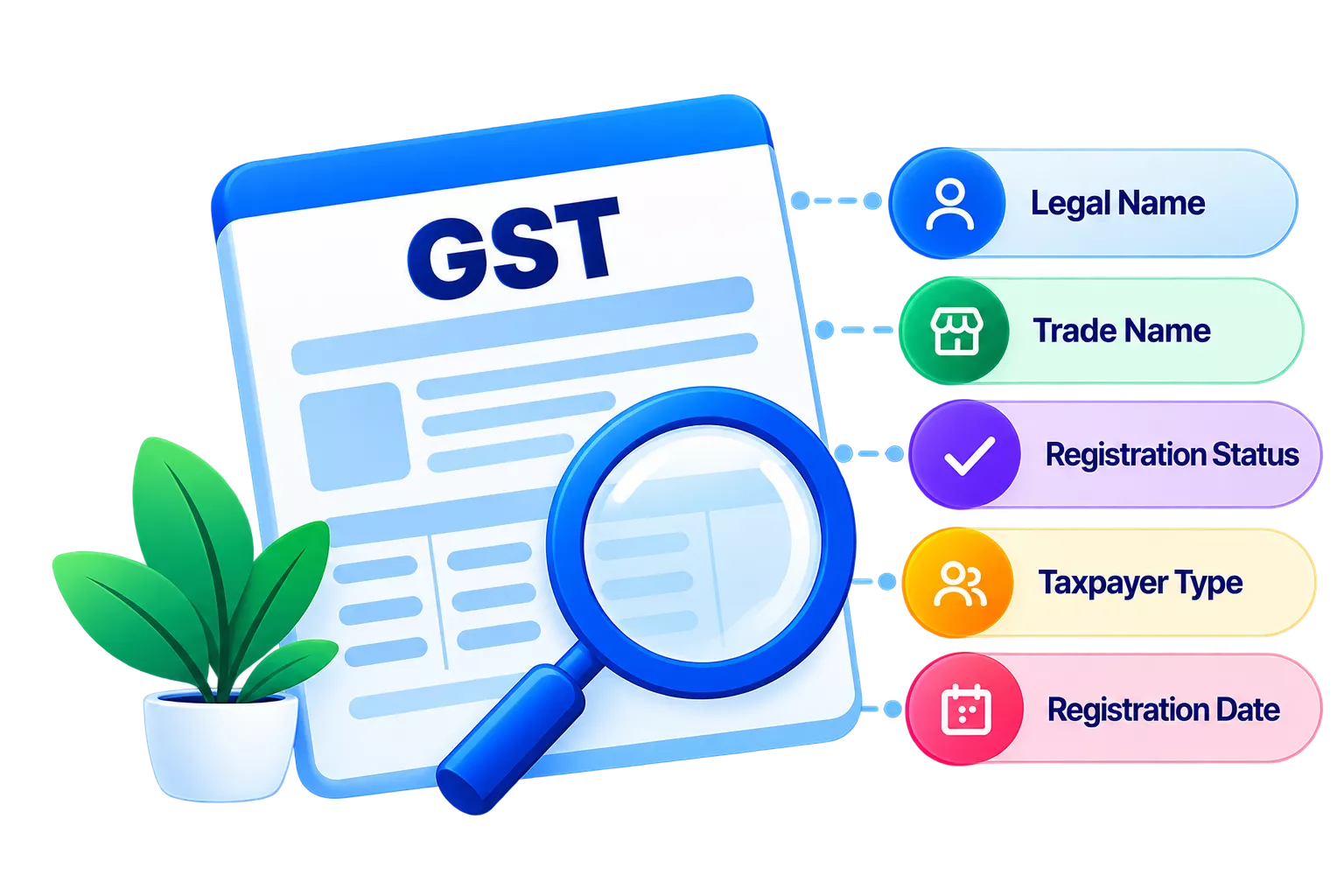
Party GSTIN/UIN validation is the process of checking a supplier’s or customer’s GST Identification Number (GSTIN) or Unique Identification Number (UIN) against official registration records. It helps confirm whether the number is valid and whether the registered details match those recorded in your books.
Why does GSTIN/UIN validation matter for GST compliance?
A party ledger with an incorrect or inactive GSTIN creates problems at multiple points in your GST workflow.
- ITC claims can be rejected if the supplier’s GSTIN is inactive or cancelled. Under Section 16 of the Central Goods and Services Tax (CGST) Act, 2017, ITC is available only when your supplier has filed their returns and the invoice appears in your GSTR-2B.
- GST return filing is affected when a buyer's GSTIN in a B2B invoice is invalid. GSTR-1 requires invoice-level details against a valid GSTIN, and errors here delay submission.
- Reconciliation gaps appear when GSTINs in your books do not match the GST portal. These discrepancies must be resolved before filing GSTR-2A/2B.
- Incorrect party ledgers with wrong GSTINs can go unnoticed for months, building up compliance issues across multiple return periods.
Which party GSTIN/UIN details can be validated in TallyPrime?
TallyPrime can validate the following details for any party in your books.
- Supplier GSTIN in any vendor or supplier party ledger
- Customer GSTIN in buyer ledgers used for B2B invoices reported in GSTR-1
- Party ledger GSTIN for any party where a GSTIN has been recorded
- GSTIN/UIN status, whether the registration is active, inactive, cancelled or provisional
For UINs, these are issued to entities such as foreign diplomatic missions and UN bodies operating in India. These entities are not registered under GST but are entitled to a refund of GST paid on inward supplies. TallyPrime validates UINs using the same process as GSTIN validation.
How do you validate party GSTIN/UIN in TallyPrime?
TallyPrime validates party GSTINs by connecting to the GST portal and fetching the registered details against each GSTIN. The process checks the format, confirms registration status and compares the legal name returned by the portal with what is recorded in your ledger.
The steps are:
- Open the relevant party ledger in TallyPrime.
- Trigger GSTIN validation through the ledger or through a GST report.
- Review the status returned from the GST portal.
- Confirm or update the details as needed.
How do you update incorrect or missing party GSTIN in TallyPrime?
You can update a party’s GSTIN directly from the party ledger or update GSTINs for multiple parties through the Update Party GSTIN/UIN report. TallyPrime also lets you fetch the party’s registration details from the GST portal to validate the GSTIN.
Updating GSTIN for a single party
- Press Alt+G (Go To) > Alter Master > Ledger and select the required party ledger.
- Press Alt+L (Fetch Details Using GSTIN/UIN).
- Press Y to confirm. If prompted, log in using your e-Invoice or e-Way Bill credentials.
- Compare the GSTIN and other registration details in the GSTIN/UIN Info screen with the details available on the portal.
- If the GSTIN is incorrect or missing, enter the correct GSTIN under As per Books and make any other required changes.
- Press Ctrl+A to save the updated details.
If you already know the correct GSTIN, you can also open the party ledger through Alt+G > Alter Master > Ledger, enter the GSTIN/UIN in the ledger, and save it without fetching the details first.
Updating GSTINs for multiple parties
- Press Alt+G (Go To) and select Update Party GSTIN/UIN.
- Select the required group and ledgers.
- Enter the correct GSTIN/UIN for the respective parties.
- Press Ctrl+A to save the changes.
What errors can appear after GSTIN/UIN validation?
After running validation, TallyPrime flags party ledgers with the following issues.
Invalid GSTIN
The number does not match any record on the GST portal. This usually points to a typo, a wrong digit or a GSTIN entered for a different state registration.
Inactive or cancelled GSTIN
The GSTIN was once valid but has since been cancelled or suspended. Continuing to transact against a cancelled GSTIN puts ITC at risk of reversal.
Status mismatch
The name or address returned by the GST portal does not match what is in the party ledger. This can happen when a business changes its legal name after GST registration.
Which GST workflows in TallyPrime use GSTIN/UIN validation?
Correct party GSTINs feed into the following TallyPrime workflows.
GSTR-1
Validated customer GSTINs reduce errors when filing GSTR-1. TallyPrime generates GSTR-1 directly from transaction data and flags invalid GSTINs before you export.
GSTR-2A/2B reconciliation
TallyPrime’s reconciliation feature matches purchase records in your books against data from the GST portal. Supplier GSTINs must be correct for the matching process to work accurately.
Connected GST
TallyPrime’s Connected GST feature lets you file returns and run reconciliation directly from the software without logging in to the portal separately. GSTIN validation is part of the connected workflow.
Conclusion
Getting GSTIN details right at the ledger level prevents problems that build up over time. An invalid GSTIN in a supplier ledger does not just create a reconciliation mismatch. It also puts ITC claims at risk, and recovering disallowed credit takes time and documentation. TallyPrime’s built-in GSTIN/UIN validation lets you check and correct party details before they flow into returns, without switching between tools or manually cross-checking the GST portal.