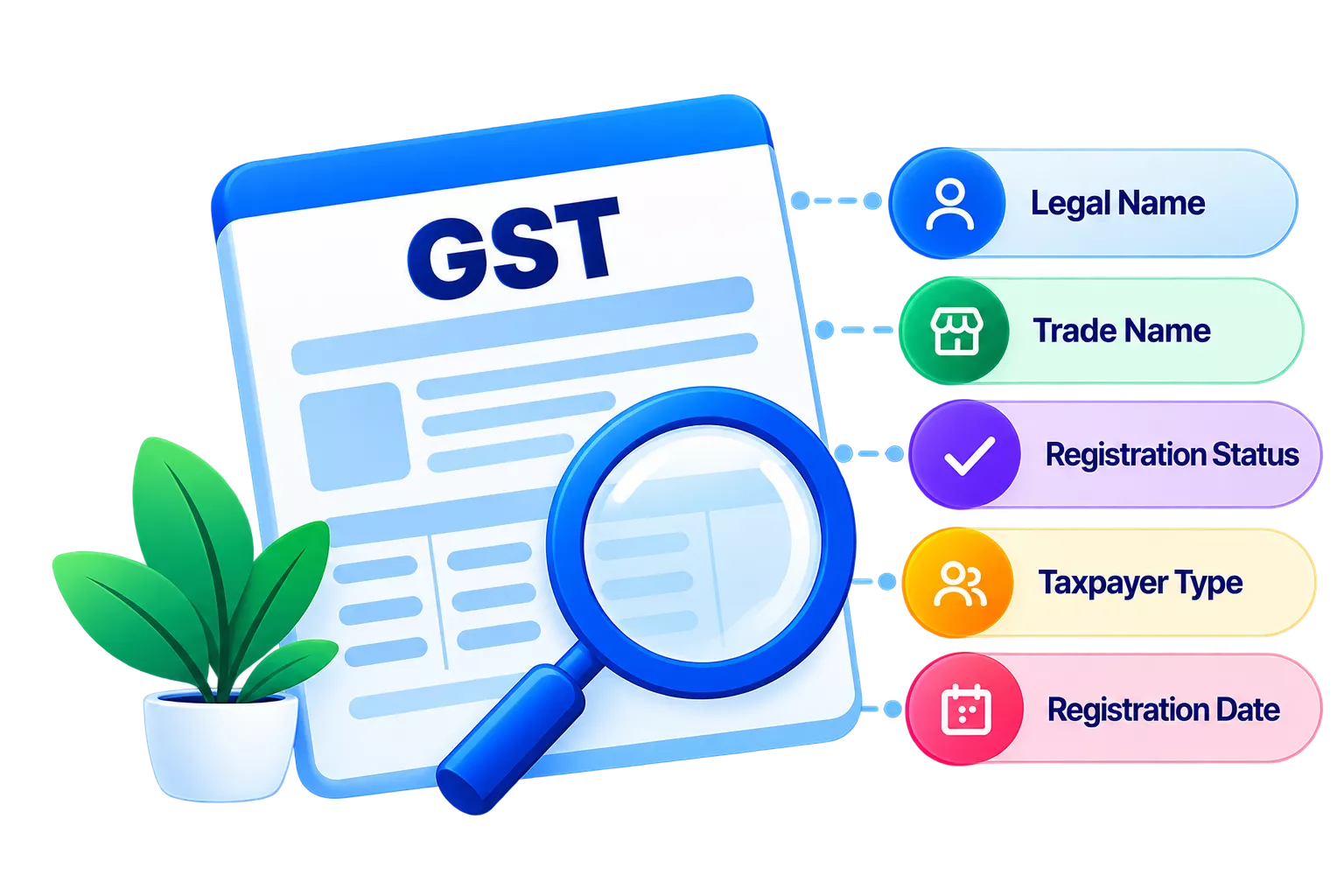
Goods and Services Tax Identification Number (GSTIN) for a supplier is the process of confirming that a vendor’s GSTIN is valid, active and registered to the correct legal entity. It involves checking the supplier’s legal name, trade name, GSTIN status, taxpayer type and registration details against the invoice and your vendor records.
This check happens before you record a purchase or claim Input Tax Credit (ITC). A cancelled or mismatched GSTIN on a supplier invoice can result in ITC denial and errors in your GSTR-2A and GSTR-2B reconciliation.
Why should businesses check supplier GSTIN?
Verifying a supplier’s GSTIN before you transact with them directly affects your ITC eligibility and return accuracy.
- A GSTIN entered incorrectly in your vendor master creates a mismatch on every invoice from that supplier. Correcting it later means revisiting multiple transactions.
- An incorrect GSTIN on a supplier invoice means the supply will not appear in your GSTR-2B. You cannot claim ITC on it even if the purchase was genuine.
- A cancelled or inactive GSTIN on an incoming invoice is a direct ITC risk. The tax department can disallow the credit and raise a demand during assessment.
Verified supplier records reduce the time spent on reconciliation before each return cycle and lower the risk of a notice under the GST law.
When should you check supplier GSTIN?
There are five points in your procurement cycle where a GSTIN check is worth running.
- Before adding a new vendor to your records, since errors caught here do not reach the invoice stage.
- Before booking the first purchase invoice from a supplier, even if you have other documents on file.
- Before claiming ITC on any invoice where you have not previously verified the GSTIN.
- Before a high-value purchase, where the ITC at stake makes the risk significant.
- Before filing GSTR-3B, to confirm that no supplier’s status has changed during the return period.
What details should you check in a supplier's GSTIN?
Every GSTIN record on the GST portal carries several fields. Check each of these when you verify a supplier.
|
GSTIN detail |
What to check |
Why it matters |
|---|---|---|
|
Legal name |
Must match the name on the supplier’s invoice and in your vendor master. |
A mismatch can flag the transaction during scrutiny or ITC assessment. |
|
Trade name |
Confirm if the supplier operates under a different trade name. |
Helps identify the correct entity when the trade name and legal name differ. |
|
GSTIN status |
Should show Active. |
A Cancelled or Inactive status means the supplier cannot legally charge GST on the invoice. |
|
Taxpayer type |
Check whether the supplier is a regular taxpayer, composition taxpayer or unregistered. |
Composition taxpayers cannot issue tax invoices, so ITC is not available on purchases from them. |
|
State code |
The first two digits of the GSTIN must match the supplier’s state of registration. |
A mismatch affects whether IGST or CGST and SGST applies on the invoice. |
|
Registration date |
Must be on or before the invoice date. |
An invoice dated before the GSTIN was issued means the supplier was not registered at the time. |
How do you verify a supplier's GSTIN?
The GST portal lets you check any GSTIN without logging in. Follow these steps.
- Go to gst.gov.in and click ‘Search Taxpayer’.
- Select ‘Search by GSTIN/UIN’.
- Enter the supplier’s GSTIN and complete the CAPTCHA.
- Compare the legal name in the results with the name on the supplier’s invoice.
- Confirm the status is Active and the registration date is on or before the invoice date.
- Note the taxpayer type and the state code shown in the first two digits of the GSTIN.
- Update your vendor master with the verified details.
If the status shows as Cancelled, contact the supplier before processing the invoice. If the status is Inactive or Suspended, do not claim ITC without first confirming the supplier’s current compliance position.
What are the common supplier GSTIN issues?
These are the problems that come up most often during supplier GSTIN verification.
Incorrect GSTIN
An incorrect GSTIN is the most frequent issue. It happens when a supplier provides a number with a typographical error. The portal returns no results or shows a different entity’s details. Ask the supplier to share their GST registration certificate to confirm the correct number.
Cancelled GSTIN
A cancelled GSTIN means the registration was terminated, either voluntarily or by the tax authority. GST charged on an invoice after the cancellation date is not valid, and ITC on it can be denied during assessment.
Inactive GSTIN
An inactive or suspended GSTIN typically means the supplier has not filed returns for a period and the portal has restricted the account. Do not process the invoice without confirming the supplier’s current status.
Name mismatch
A legal name mismatch occurs when the name on the invoice does not match the legal name on the portal. This often happens after a business name change that has not been updated on both sides. Verify with the supplier and update your vendor master.
State code mismatch
A state code mismatch happens when the first two digits of the GSTIN do not match the supplier’s state of registration. This affects whether IGST or CGST and SGST apply on the invoice and can cause classification errors in your returns.
Conclusion
Supplier GSTIN verification is a simple but important step for maintaining accurate purchase records and protecting your ITC claims. Check the supplier’s GSTIN status, legal name, taxpayer type, state code and registration date before booking invoices or claiming ITC. Regular verification also helps identify changes that could affect reconciliation and GST returns. With TallyPrime, you can maintain accurate supplier records and manage purchase transactions and GST compliance from one place.