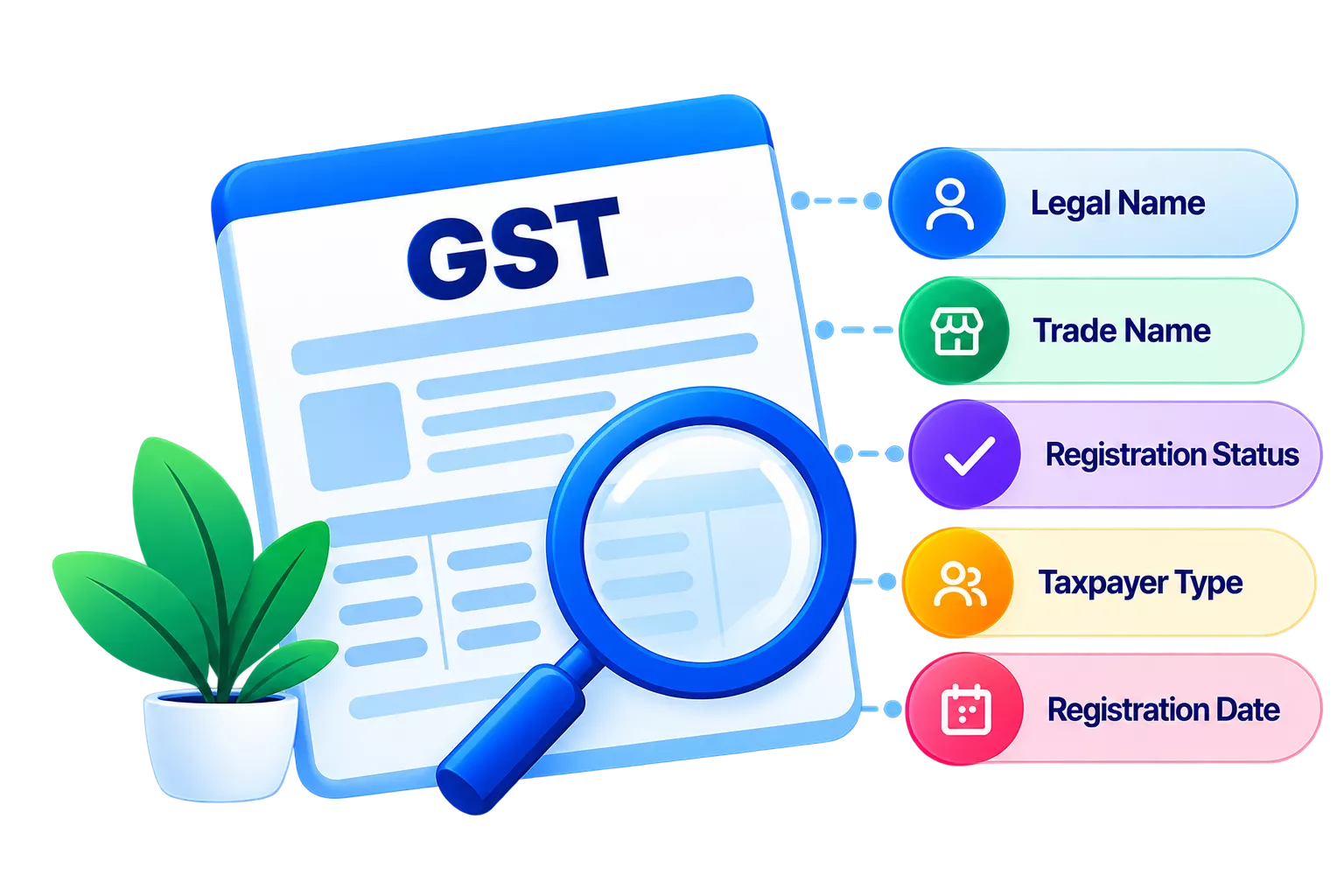
A business can claim Input Tax Credit (ITC) only when the supplier’s Goods and Services Tax Identification Number (GSTIN) is valid, active and correctly reported in their GSTR-1. An incorrect GSTIN or supplier-reported invoice detail can create reconciliation problems and affect ITC claims. However, whether an invoice appears in GSTR-2B depends on the information reported through the GST system. Any discrepancies should be reviewed before claiming the related credit.
How does a supplier’s GSTIN affect your ITC claim?
The GST input chain runs in a fixed sequence. A supplier issues a tax invoice and reports it in their GSTR-1 using your GSTIN as the recipient. That data flows automatically into your GSTR-2B, which is a static, auto-generated statement showing all invoices your suppliers have reported against your GSTIN for a given period. When you file GSTR-3B and claim ITC, the department cross-checks your claim against what appears in your GSTR-2B.
Rule 36(4) of the Central Goods and Services Tax (CGST) Rules restricts ITC on invoices not reflected in GSTR-2B. Claiming ITC on such invoices without reconciling them first puts the business at risk of demand notices and interest under Section 50 of the CGST Act, 2017.
The sequence that governs every ITC claim is:
- Supplier issues invoice with correct GSTIN.
- Supplier reports the invoice in GSTR-1.
- Invoice appears in your GSTR-2B.
- You claim ITC in GSTR-3B based on GSTR-2B data.
A GSTIN error at the first step breaks every step that follows.
What can go wrong when the supplier's GSTIN is wrong?
A wrong GSTIN does not just affect a single invoice. It has a chain effect across your purchase records and returns.
- Wrong invoice mapping: If the supplier types your GSTIN incorrectly in their GSTR-1, the invoice gets mapped to the wrong taxpayer, and your GSTR-2B will not show it.
- Invoice not visible in GSTR-2B: If the supplier has not filed their GSTR-1 on time or files it with errors, the invoice may not appear in your GSTR-2B for that period.
- Mismatch in GSTR-2B: If any detail (GSTIN, invoice number, date or tax amount) differs between the physical invoice and what the supplier reported, reconciliation will flag it as a mismatch.
- Delayed or rejected ITC claim: Repeated mismatches invite scrutiny. The department can issue a notice under Section 61 of the CGST Act for discrepancies, and ITC may be reversed with interest.
What should you check before claiming ITC on a supplier invoice?
Run through the following before booking any purchase invoice:
- GSTIN format: Check the GSTIN before claiming your ITC. A valid GSTIN is 15 characters. The first two digits are the state code, the next ten are the supplier’s Permanent Account Number (PAN), the thirteenth is the entity number, the fourteenth is always ‘Z’, and the fifteenth is a check digit. Any deviation indicates an error.
- GSTIN status: Verify on the GST portal (gst.gov.in) that the GSTIN is active and not suspended or cancelled.
- Legal name: The name on the invoice must match the legal name registered against that GSTIN on the GST portal.
- Invoice GSTIN: Confirm that the recipient GSTIN on the invoice is your own GSTIN, not another entity’s.
- Place of supply: Check that the place of supply matches the transaction, as this determines whether Integrated Goods and Services Tax (IGST), CGST or State Goods and Services Tax (SGST) applies.
- Tax amount: Verify that the tax amount is consistent with the taxable value and the applicable GST rate.
- GSTR-2B availability: Before claiming ITC in GSTR-3B, confirm that the invoice has appeared in your GSTR-2B for the relevant period.
How does GSTIN verification connect to GSTR-2B reconciliation?
GSTIN verification helps identify supplier-related errors before they affect your GSTR-2B reconciliation. In TallyPrime, you can use the verified GSTIN details in your purchase records and compare them with the GST details received from the GST portal.
Here’s how the process works:
- Verify the supplier’s GSTIN: Check whether the GSTIN recorded for the supplier is valid and matches the details on the tax invoice.
- Record the correct GSTIN in TallyPrime: Maintain the supplier’s verified GSTIN in the party ledger and ensure it matches the GSTIN mentioned on their invoices.
- Compare purchase data with GSTR-2B: When you reconcile your purchase register with GSTR-2B, TallyPrime can help identify differences in GSTIN, invoice number, invoice date and tax amounts.
- Identify the reason for the mismatch: An unmatched invoice may occur because the supplier used an incorrect GSTIN, reported a different invoice number or tax amount, or has not yet filed their GSTR-1.
- Correct the supplier or invoice details: If the GSTIN in your books is incorrect, update the party details in TallyPrime. If the supplier reported incorrect details in GSTR-1, ask them to amend the relevant invoice.
- Reconcile the corrected records: Once the supplier files or amends the details, the corrected invoice can appear in a subsequent GSTR-2B. You can then reconcile it against your purchase records before claiming the eligible ITC.
- Review mismatches before filing GSTR-3B: Resolving GSTIN and invoice mismatches before filing helps reduce the risk of claiming ITC on invoices that do not reconcile with your GSTR-2B.
Conclusion
Checking a supplier’s GSTIN before booking an invoice takes a few minutes and avoids extended back-and-forth with the GST department. The verification directly determines whether ITC appears in GSTR-2B and whether that credit holds up in an audit. TallyPrime automates GSTIN validation at the point of invoice entry and reconciles your purchase data against GSTR-2A and GSTR-2B, flagging mismatches before the return is filed.