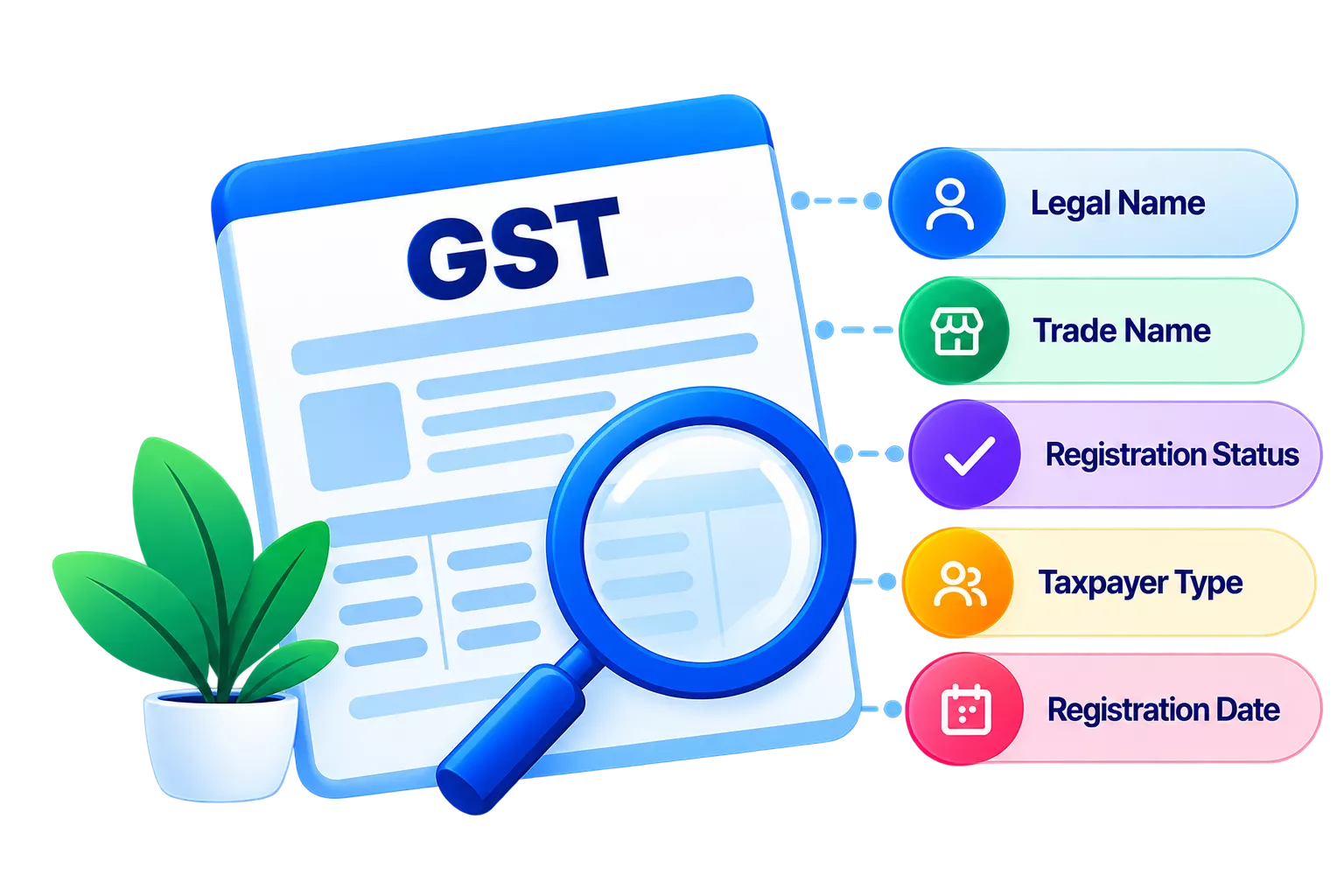
What if your GSTIN gets suspended simply because your bank details don’t match your registered business name? Under Rule 10A of the CGST Rules, the GST portal automatically validates your linked bank account against your PAN and registered entity details. If the details don’t match, or you fail to add your bank details within 30 days of registration, your GSTIN can be automatically suspended.
And that can quickly affect your day-to-day operations. A suspended GSTIN can stop return filing, e-way bill generation, and ITC claims. So, keeping your bank details accurate and updated on time is key to avoiding unnecessary GST disruptions.
Why is automated GSTIN suspension a growing concern for MSMEs?
The Goods and Services Tax Network uses automated backend checks to curb fake registrations and tax evasion. Under strict GST registration rules, new businesses must submit valid bank details within 30 days of receiving their GSTIN or before filing their first outward supply return (GSTR-1), whichever comes first.
The system automatically flags your profile if they are missing or if your information is not verified. This is an automated system action, not a manual notice from a tax officer. The system issues a suspension order in Form GST REG-31, which you can view at Services > User Services > View Notices and Orders on the portal.
In the case of a small business, an unforeseen suspension can freeze working capital, stop shipments and prevent customers from paying.
Here is a hypothetical example. A logistics firm obtains a new GSTIN and begins shipping goods immediately but does not update its bank details on the portal. On Day 31, the system auto-suspends the GSTIN and issues a REG-31 order. The firm can no longer generate e-way bills until it furnishes and validates its bank account details.
How does the GST bank account validation process work?
The portal connects directly with the National Payments Corporation of India (NPCI) and major banks to verify details in real time for GST compliance.
When you enter your details for GST bank account verification, the system cross-checks three primary data points:
- Account Number & IFSC Code: Verifies that the bank account is active and operational.
- PAN Linkage: Confirms the bank account is tied to the exact PAN registered with your GSTIN.
- Legal/Trade Name Match: Ensures the account holder's name on bank records matches the legal name on your GST certificate.
Even minor inconsistencies, like using a personal savings account name for a sole proprietorship trade name, typos, or missing middle names, can trigger a GST bank account validation failure.
What are the business implications of a GSTIN suspension?
A GSTIN suspension can quickly affect filings, ITC, e-way bills, refunds, and even your customer payments, so resolving it promptly matters. When a GST bank account name mismatch or missed deadline triggers an automatic suspension, key business operations are blocked immediately.
|
Impacted Feature |
Operational Restriction During Suspension |
Business Consequences |
|
GSTR-1 & GSTR-3B Filings |
Completely blocked on the portal |
Late filing fees accumulate; risk of tax penalties. |
|
Input Tax Credit (ITC) |
Buyers cannot claim ITC on your invoices |
Clients may withhold payments until your GSTIN is reactivated. |
|
E-Way Bills & E-Invoicing |
Feature access disabled |
Goods movement comes to a complete standstill. |
|
GST Refunds |
Refund processing paused |
Working capital is tied up indefinitely. |
Note: Suspension is a severe compliance flag. If left unaddressed, tax authorities can initiate formal registration cancellation under Section 29 of the CGST Act.
What are the most frequent reasons for a GST bank account name mismatch?
GST bank account name mismatches usually occur due to proprietor name differences, legal name variations, inactive accounts, or unclear bank documents. Knowing the causes of validation errors will help you avoid unwanted flags. Common triggers include:
- Proprietorship Name Differences: If the portal has registered the business under the trade name (e.g. Bank has registered it as "Rajesh Kumar" and it is registered as "Kumar Enterprises" under the proprietor's name), it is considered a difference in name.
- Structural Name Variations: Differences in legal structures or abbreviations (e.g., "Pvt Ltd" vs. "Private Limited") between your cancelled cheque and GST records.
- Inactive Accounts: Bank account submitted with information for a bank account that did not meet the automated ping test.
- Unclear Documents: Scanned documents that are blurry or do not have a stamp, signature or pre-printed name of the account holder.
Read our guide on GST registration amendments to see how to update non-core fields safely.
How can you fix bank details and remove a GSTIN suspension?
Fixing a GSTIN suspension starts with correcting your bank details, submitting valid proof, and completing the required verification to restore your GST status. In case your GSTIN has been auto-suspended for verification reasons, make sure to update your profile and get it active:
- Log in to the GST Portal: Enter www.gst.gov.in with your main credentials.
- Access Non-Core Amendments: Click on Services > Registration > Amendment of Registration Non-Core Fields.
- Update Bank Details: Click on the Bank Accounts tab. Fill in the account no, IFSC and name of the account holder as per your banking records.
- Upload Proof: Scan a cancelled cheque (with your name on it), the first page, or a recent bank statement with bank stamping.
- Sign and Submit: Use your Digital Signature Certificate (DSC) or Electronic Verification Code (EVC) to sign and submit the application.
- Lift the Suspension: When the backend verification is successful, you will click Initiate Drop Proceedings on your dashboard to lift the suspension and restore the status to "Active.
To check the Statutory update, refer to the CBIC Official Portal for guidelines.
What are the best practices for seamless GST compliance?
Seamless GST compliance comes down to keeping your details accurate, checking your GST status regularly, and addressing discrepancies before they become bigger issues. These are some proactive habits that help maintain a clean tax profile, avoiding unexpected tax suspensions:
- Validate Right Away: Don't wait for the 30-day clock to run out. Fill in and confirm your bank information as soon as you receive your GSTIN.
- Match Banking Name with PAN: Before providing the banking details on the portal, make sure it matches the legal name on the PAN card.
- Conduct Periodic Audits: Use Tally's free GSTIN Verification Tool for a quick status check and ensure that you are compliant with the flagged issues at an early stage.
- Use Smart Accounting Tools: Accurate business software makes return filing easy, monitors GSTIN verification statuses, and automatically reconciles invoices to reduce human error.
Need help streamlining your GST compliance?
Prevent expensive registration delays due to missing or incorrect information. Explore our complete compliance guides and TallyPrime GST Accounting Solutions to keep your business running smoothly.
Conclusion
Want to avoid an unexpected GSTIN suspension? Keeping your bank account, PAN, and registered business details accurate and up to date can help prevent compliance issues before they disrupt your operations. Regularly checking your GST registration details, keeping supporting documents ready, and resolving validation errors quickly can help you avoid interruptions to GST filings, e-way bill generation, ITC claims, and everyday business activities.