Tired of discovering mismatches in your GSTR-2B at the last minute?
With the Invoice Management System (IMS), that chaos is a thing of the past. IMS gives you real-time visibility into your supplier invoices — and the power to accept, reject, or hold them before they affect your returns. In short, it puts you in the driver's seat of your ITC claims. Let’s walk through how to claim ITC using IMS, step by step.
Step-by-step guide to claim ITC using IMS
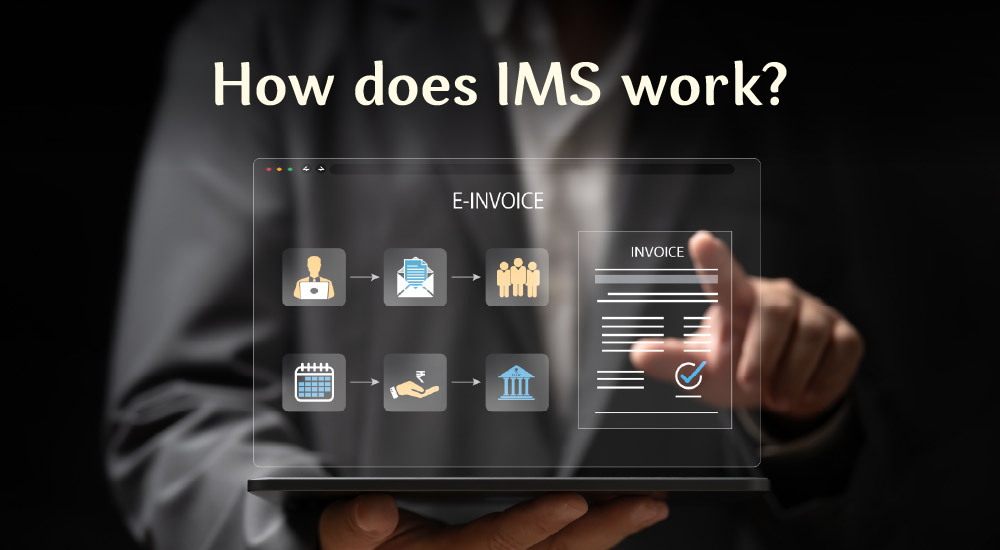
Check out this quick walkthrough of how you can claim your Input Tax Credit using IMS with ease. Follow these simplified steps to get a clear overview before diving into the details.
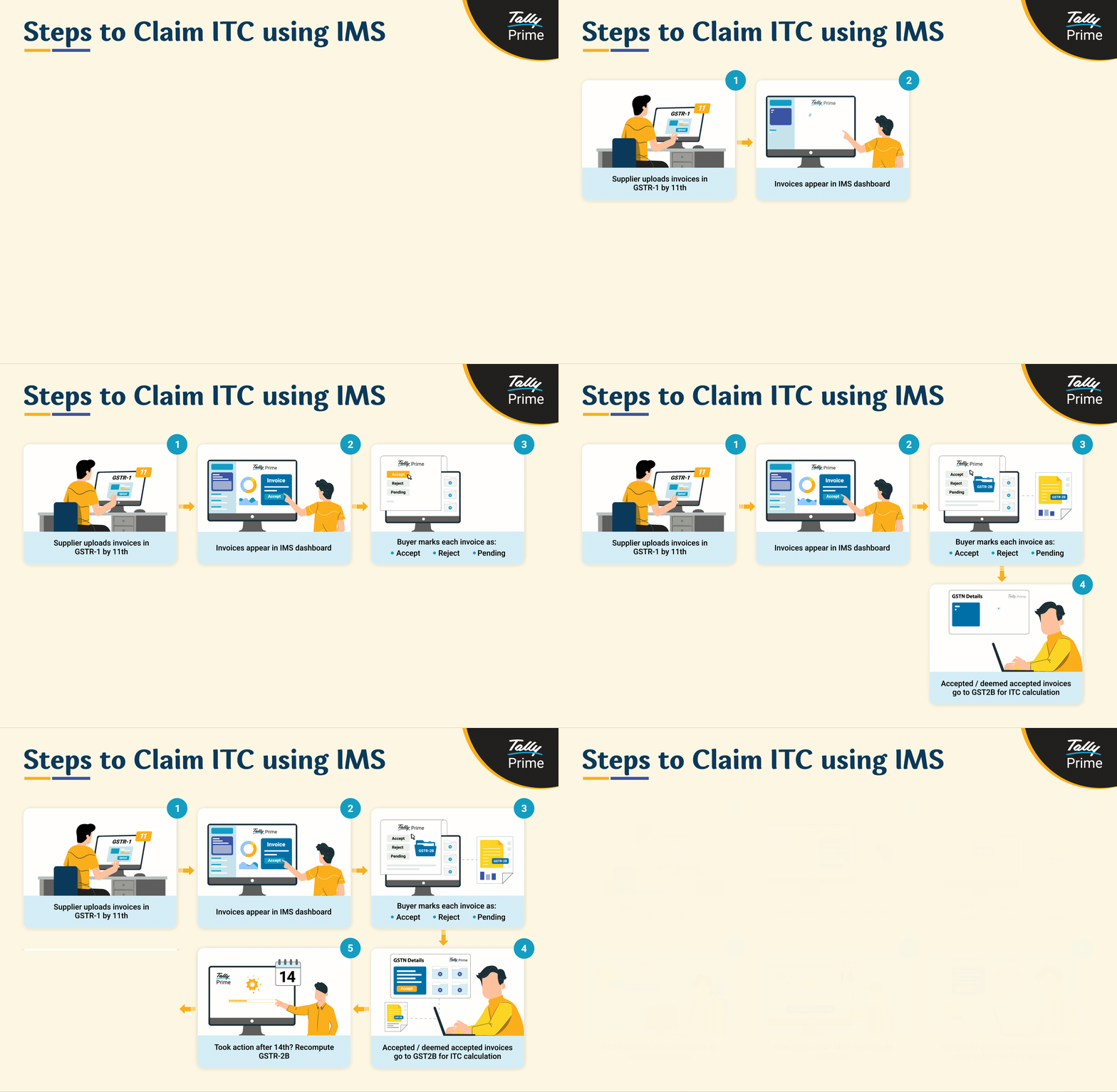
Below is a detailed guide that breaks down each stage of claiming ITC via IMS, so you can handle the process with confidence and clarity.
Step 1: Supplier uploads invoices
Your input tax credit journey begins when your supplier uploads invoice details in their GSTR-1 or IFF. The upload through GSTR-1 happens by the 11th of each month. Once uploaded, these invoices appear in your IMS dashboard — giving you a near real-time view of what’s been reported against your GSTIN.
For example: Let’s say your supplier uploads an invoice worth ₹10,000 with ₹1,800 GST on April 10. You’ll be able to view and act on it in IMS shortly after — well before your GSTR-2B is generated.
|
IMS Guide This all-in-one guide covers everything you need to know about IMS. Download now to get started. |
TallyPrime IMS hands-on experience Try this interactive demo to see how TallyPrime IMS helps you monitor vendor sales in real time and simplify ITC and GST compliance. |
Step 2: Access your IMS dashboard
To access and view the invoices uploaded by your suppliers, follow these steps
Login to GST portal → Services → Returns → Invoice Management System (IMS) Dashboard
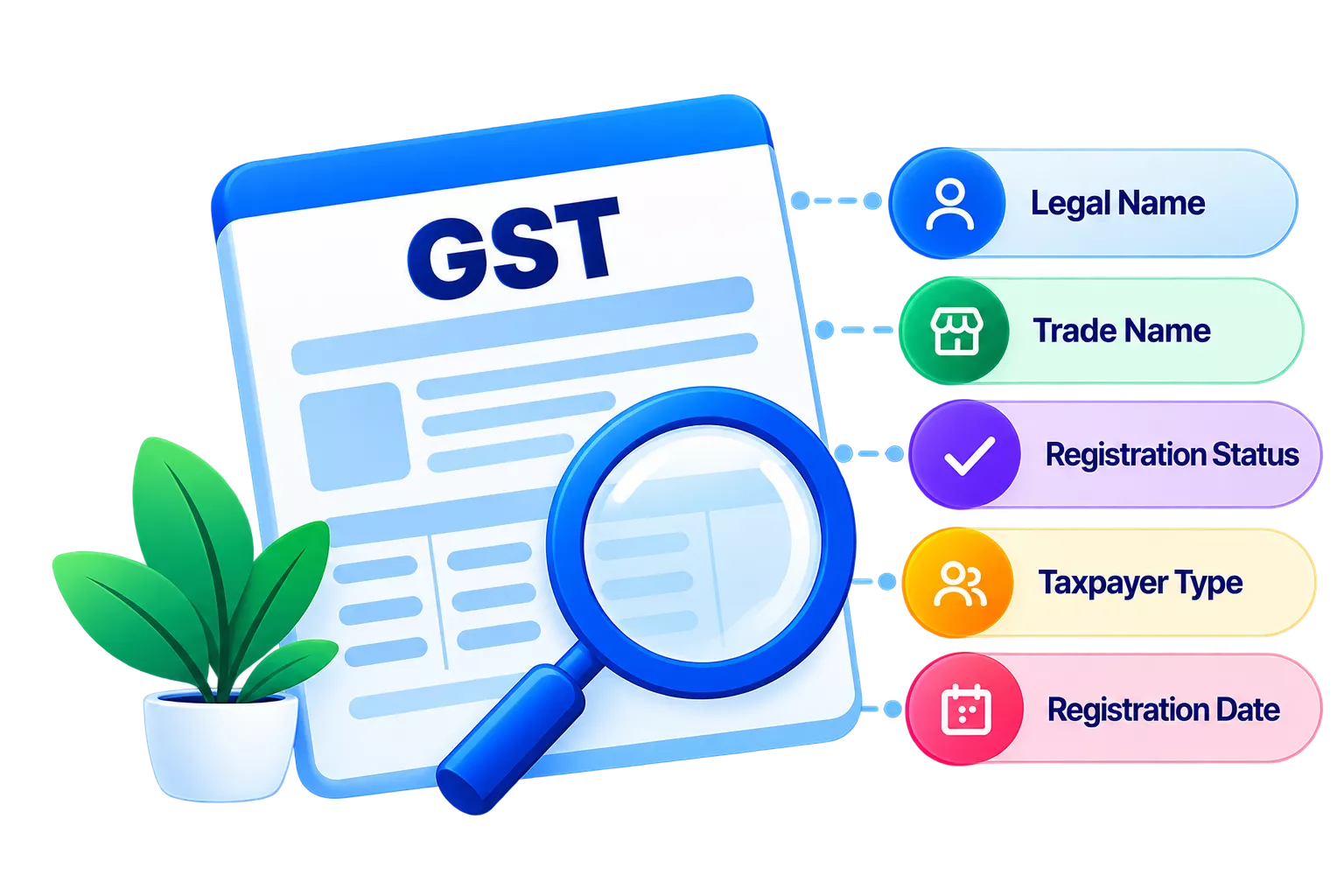
Here, you'll find all supplier-uploaded invoices listed with key details like:
- Supplier GSTIN
- Invoice number
- Trade name
- Invoice type (regular, credit note, etc.)
This dashboard is your command center for ITC actions.
Step 3: Review invoices and take action
As a buyer, you have the power to decide how each invoice is treated for ITC:
|
Action |
When to use it |
|
Accept / No Action |
The invoice is correct and eligible for ITC |
|
Reject |
The invoice doesn’t belong to you or has errors |
|
Pending |
You need clarification or are awaiting goods/service |
(Tip: Marking an invoice as “pending” gives you time to investigate without accidentally claiming ineligible ITC.)
Step 4: Understand the impact of your actions
Your actions directly affect what shows up in your GSTR-2B (and what gets pulled into GSTR-3B).
|
Action |
Reflected in GSTR-2B? |
Reflected in GSTR-3B? |
Notes |
|
Accepted |
Yes |
Yes |
Considered for ITC computation |
|
Rejected |
Yes (under ITC rejected) |
No |
For reference only — not part of ITC computation |
|
Pending |
No |
No |
Carried forward for future action |
|
No Action |
Yes |
Yes |
Considered as“deemed acceptance” for ITC computation |
Step 5: What if you don’t take action?
If you don’t act on invoices by the time you file GSTR-3B, the system treats them as “deemed accepted”. That means:
- They show up in your GSTR-2B
- They’re included in ITC calculation in GSTR-3B
Note: This is fine for correct invoices — but risky if the supplier uploaded an incorrect one!
Step 6: Took action after the 14th? Re-compute GSTR-2B
GSTR-2B is auto-generated on the 14th of each month. If you accept/reject invoices after this date but before filing GSTR-3B, you must re-compute GSTR-2B for the changes to reflect.
(Tip: Act before the 14th to avoid recalculations and last-minute errors.)
ITC calculation formulas in IMS
Here’s how your ITC is computed depending on your actions:
|
Situation |
Formula for ITC Eligibility |
|
No rejections or pending |
Accepted + No Action |
|
With rejections/ pending |
(Accepted + No Action) – (Rejected + Pending) |
|
If pending invoices are accepted |
(Accepted + No Action + Pending) - Rejected |
Maximize your ITC claim with these IMS best practices
Avoid common pitfalls and ensure a smooth claiming experience by following these tried-and-tested practices. These tips will help you stay compliant, accurate, and efficient while using IMS.

Key takeaways
- Claim ITC with accuracy using IMS dashboard actions
- Avoid GSTR-2B mismatches with timely invoice reviews
- Take control of ITC eligibility before GSTR-3B filing
- Re-compute GSTR-2B if actions are taken post-14th
- Use IMS for better GST compliance and ITC management