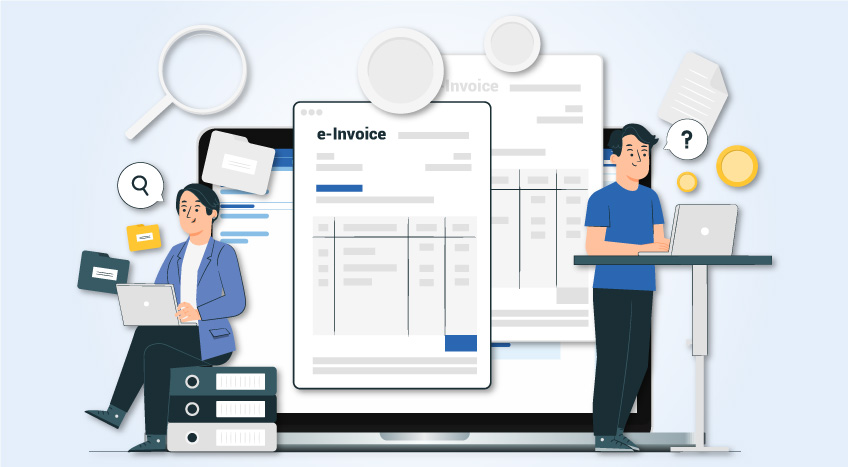
Enterprise Resource Planning (ERP) integration with the UAE e-invoicing system involves connecting your accounting system to the country’s Peppol-based Electronic Invoicing System through an Accredited Service Provider so invoices can be issued in a structured format and reported to the Federal Tax Authority in near real time, as required under Ministerial Decision No. 243.
This mandate applies to all businesses operating in the UAE, regardless of VAT registration status, meaning existing PDF or print-based invoicing from ERPs is no longer sufficient. The integration process follows a defined sequence: system readiness, data structuring, ASP connectivity and compliance testing, followed by live deployment.
What are the steps to integrate ERP with your UAE-E-invoicing Software?
ERP integration with UAE e-invoicing software requires a structured, step-by-step approach to ensure your system can generate compliant Extensible Markup Language (XML) invoices, connect with an Accredited Service Provider and transmit data to the Federal Tax Authority (FTA) without errors.
Follow the steps below:
Step 1: Assess your ERP's current standing
Begin by evaluating what your ERP presently records. For invoices, this includes details such as Tax Registration Numbers (TRNs), VAT codes, line item quantities, currency and invoice references.
The FTA's guidelines specify that invoices must carry the Tax Identification Number (TIN), which is the first ten digits of the TRN. Incomplete or inconsistently maintained master data can result in transmission failures.
Step 2: Understand the five-corner model
The UAE Electronic Invoicing System uses the Ministry of Finance's Five Corner Model. Corner 1 is the supplier, Corner 2 is the supplier's ASP, Corner 3 is the buyer's ASP, Corner 4 is the buyer and Corner 5 is the FTA.
Every invoice travels through this chain. Your ERP sits at Corner 1. This architecture determines which ASP you work with and how your connection is configured.
Step 3: Select your integration approach
Three methods exist, and the right one depends on your internal capacity.
- Direct API integration forms a link between your ERP and the ASP's endpoint. Although it delivers full automation, it requires development effort.
- Middleware sits between your ERP and the ASP, handling format conversion and routing. This suits enterprises running systems like SAP or Oracle, where native output does not meet XML requirements.
- ASPs with built-in connectors handle formatting, digital signatures and government submission. They are more suitable for smaller businesses and help reduce invoicing load.
Step 4: Map invoice data to the PINT-AE format
E-invoices must comply with the Peppol International Invoice – Arab Emirates (PINT-AE) specifications. These are built on the Universal Business Language (UBL) 2.1 scheme and customised for UAE requirements.
Mandatory data includes supplier and buyer TINs, the participant identifier, a universally unique identifier for each invoice, VAT breakdowns by category (standard-rated, zero-rated, exempt) and line-item details.
Even a single mismatched field can lead to rejection, so validate the mapping in a test environment before moving to live transactions.
Step 5: Onboard with an ASP
The business must be registered in the Central Register maintained by the Ministry of Finance, typically through an ASP. They onboard you to the network, issue your Participant Identifier and manage secure invoice exchange with trading partners and the FTA.
Monitor the ASP’s accreditation status and how it handles rejection notifications, since a failed validation means the invoice is not legally issued.
Step 6: Configure digital signatures and security
Invoices must carry a digital signature before transmission. This requires setting up Public Key Infrastructure (PKI), installing digital certificates and configuring automatic signing.
Most ASPs manage certificate issuance during onboarding, but your ERP or middleware must still be configured to trigger signing automatically. Manual signing is not practical at scale.
Step 7: Test thoroughly
Use the FTA sandbox environment. Confirm the system flags rejections, log errors and route them for correction.
Also test credit notes, which carry a different document type code and multi-line invoices with mixed VAT rates. Testing only clean scenarios leaves critical gaps.
Step 8: Go live and keep monitoring
Going live is not the final step. Set up alerts for rejections, API failures and certificate expiry dates. The FTA may update schemas periodically, so your integration must adapt without manual rework each time.
Assign responsibility for regularly reviewing transmission logs, not only during system failures.
|
Tally is now an approved ASP for UAE e-Invoicing Tally is now authorised by the Ministry of Finance as an Accredited Service Provider for UAE e-Invoicing. Select Tally as your preferred ASP for a smooth transition to e-Invoicing. |
ERP integration with the UAE e-invoicing system is most effective when treated as a compliance and data readiness exercise rather than a one-time setup. Success depends on accurate master data, correct XML mapping to PINT-AE standards and a properly configured Accredited Service Provider to ensure smooth validation and transmission.
Preparation determines stability. Businesses that prioritise clean data and structured processes are better positioned to avoid invoice rejections, delays and compliance risks.
Solutions like TallyPrime help maintain organised accounting data and streamline invoicing, making it easier to stay aligned with UAE e-invoicing requirements.