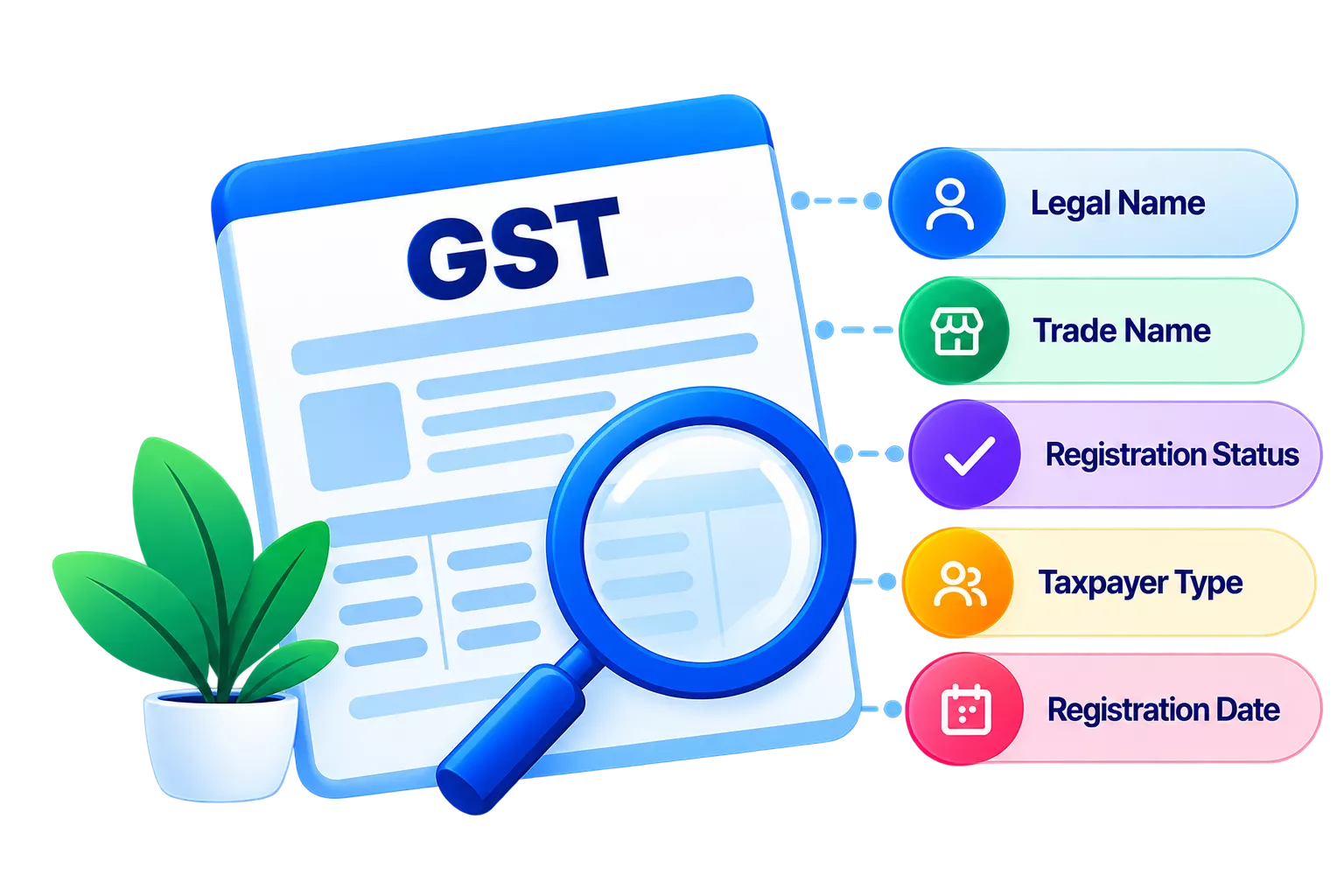
HSN code verification is the process of confirming that a Harmonised System of Nomenclature (HSN) code exists in the official GST schedule and corresponds to a real, recognised commodity classification. Validation goes a step further: It checks that the code is correctly matched to the specific goods or services on an invoice and that it meets the digit requirements mandated by a business’s annual turnover. Together, they protect a business from mismatched returns, rejected invoices and ITC denials, before these problems reach the GST portal.
Verification vs validation: what is the difference?
Both steps are necessary, but they serve different purposes. Confusing the two is one of the most common reasons businesses unknowingly submit incorrect GST data.
|
Parameter |
HSN code verification |
HSN code validation |
|
What it checks |
Whether the code exists in the official HSN schedule |
Whether the code is correctly applied to the product on the invoice |
|
When it applies |
Before issuing invoices or filing returns |
At the time of invoice preparation and return reconciliation |
|
Who performs it |
Accountant, tax professional or software cross-checking against official data |
Business owner or accountant matching code to product description |
|
Risk if skipped |
Invalid code on invoice, portal rejection |
Wrong tax rate applied, ITC mismatch, scrutiny notice |
Why businesses need HSN code verification and validation
Under the Goods and Services Tax (GST) framework in India, HSN codes are mandatory on tax invoices. The Central Board of Indirect Taxes and Customs (CBIC) has linked the digit requirement to a business’s aggregate annual turnover. Getting the code wrong affects more than the invoice: It flows into GSTR-1, GSTR-3B and the HSN summary, where mismatches trigger notices from the GST department.
The key consequences of skipping verification or validation are:
- Input tax credit denial: A buyer cannot claim ITC if the HSN code on the purchase invoice does not match the supplier’s GSTR-1 data.
- E-invoice rejection: The Invoice Registration Portal (IRP) rejects invoices with invalid or missing HSN codes for businesses in the mandatory e-invoicing bracket.
- GSTR-1 errors: The HSN summary table (Table 12) in GSTR-1 requires accurate code-level data; errors cause filing failures or demand notices.
- Penalties: CBIC can levy penalties for incorrect HSN reporting under Section 125 of the CGST Act, 2017, with fines up to ₹25,000 per contravention.
How do you verify an HSN code?
Follow these steps to verify an HSN code before it appears on an invoice or in a GST return.
Step 1: Identify the product or service
Write down the exact description of the goods or services being supplied, including material, use, and any trade name.
Step 2: Access the official HSN schedule
Go to the GST portal at www.gst.gov.in and navigate to Services > User Services > Search HSN Code.
Step 3: Search using a keyword or code
Enter the product description or the suspected code in the search field. The portal will return matching HSN entries with their descriptions. Cross-check the returned description against your product.
Step 4: Confirm the tax rate
Once the code is matched, verify the applicable GST rate from the GST rate schedule notification. A correct code with a wrong rate still causes a validation failure.
Step 5: Document and store the verified code
Record the verified code against the product or service in your item master. This avoids repeated verification and reduces human error at the time of invoicing.
How HSN code validation works in practice
Validation is the live check that happens when a code is applied to a specific transaction. These are the points at which validation matters most:
- At invoice creation: The HSN code on the invoice must match the product description and the agreed GST rate.
- At GSTR-1 filing: Table 12 (HSN summary) aggregates all outward supplies by code; totals must reconcile with the invoice-level data in earlier tables.
- At e-invoice generation: The IRP validates the HSN code at the point of registration; mismatches cause immediate rejection.
- At GSTR-2B reconciliation: Buyers validate that the HSN code reported by their supplier matches what appears in GSTR-2B before claiming ITC.
Conclusion
Verification confirms that the code exists; validation confirms it is the right code for that specific product and business. Building both steps into your invoicing workflow, rather than treating them as an afterthought at the time of filing, is the difference between clean returns and costly corrections. TallyPrime automates HSN code lookup and applies digit requirements based on your turnover, reducing the manual effort involved in both verification and validation.