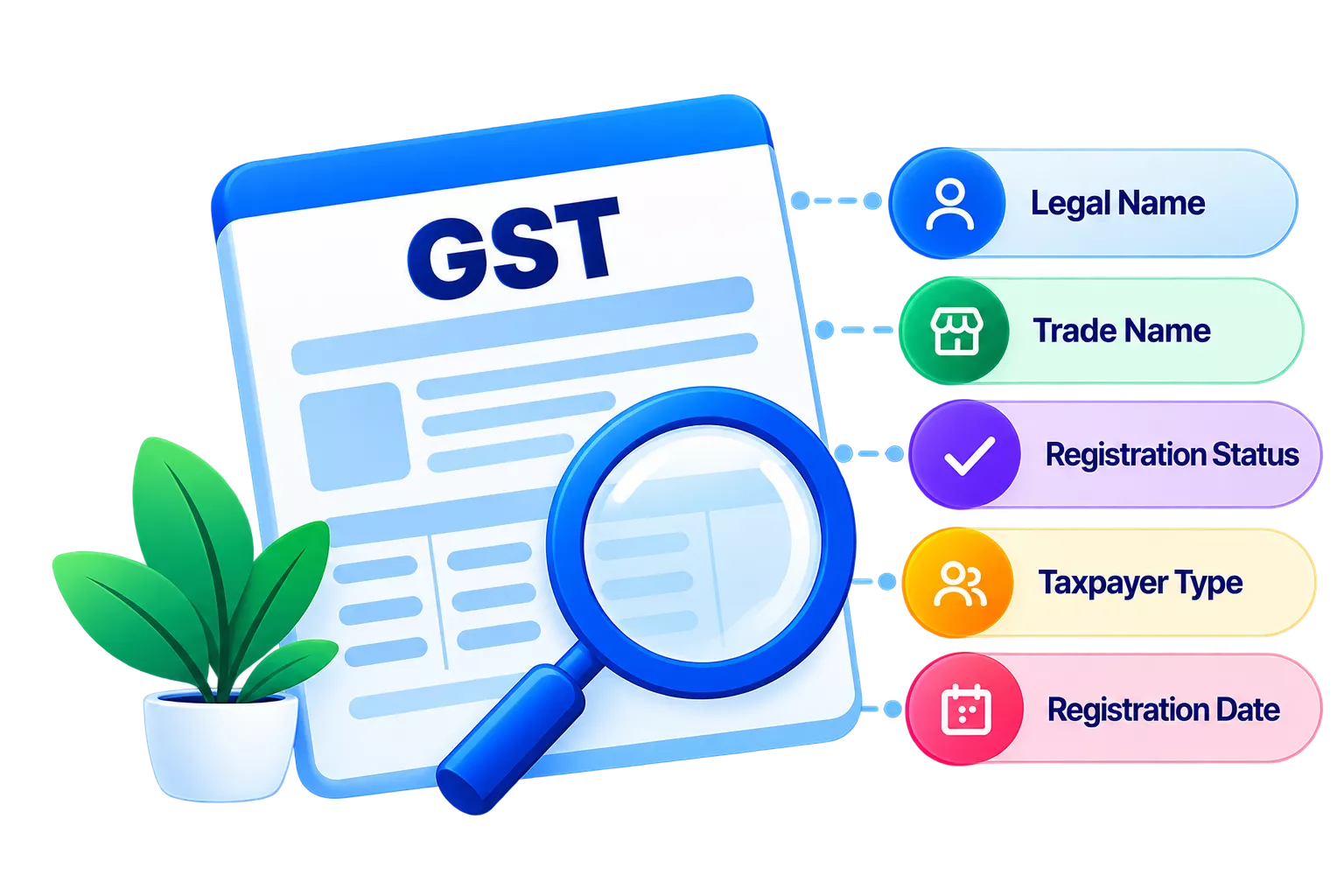
If your business operates in Telangana, 36 GST state code is one of those tiny details that quietly impact everything, be it GST registration, invoices or even return filing. Telangana’s GST state code is 36, and it’s used across GST systems to identify where your business is registered and taxed.
Let’s break down why the 36 GST state code is the foundational GST marker for the state of Telangana.
What is the 36 GST state code for Telangana?
The GST state code for Telangana is 36. It is a unique, two-digit identifier assigned to the state under India’s GST system. You’ll see it most clearly in a business’s GSTIN (Goods and Services Tax Identification Number), where the first two digits represent the state code. That means any taxpayer registered in Telangana will typically have a GSTIN that starts with “36”.
So, what does the 36 GST state code Telangana actually do in day-to-day compliance?
- GST registration: During GST registration in Telangana, the state code helps the portal tag your application to the correct state jurisdiction and ensures your GSTIN is generated with the right prefix.
- Invoicing & customer/vendor validation: When you enter your own GSTIN (or your buyer/supplier’s GSTIN), the “36” prefix helps confirm the party’s registration state.
- Return filing & reporting: State codes are used across GST workflows (including e-waybill and reporting processes) to correctly identify the state tied to the GSTIN and route details under the right jurisdiction.
How to use the 36 GST state code for GST registration in Telangana?
For GST registration in Telangana, the key is selecting the correct State/UT as Telangana during registration. Once Telangana is chosen, the system generates a GSTIN where the first two digits reflect the state code (i.e., 36). That’s the simplest way to ensure correct 36 GST state code usage for GST registration for Telangana businesses.
Here’s a step-by-step flow on the GST portal:
Go to New Registration
On the GST portal, navigate to Services, then Registration, and then click on “New Registration”.
Select State/UT as Telangana
In Part A, choose Telangana as your State/UT, then enter basic details (PAN, mobile, email) and complete OTP verification to generate the Temporary Reference Number.
Fill business details carefully
Complete the full application (business constitution, authorised signatory, principal place of business in Telangana, bank details, etc.) in Part B and upload supporting documents.
Tip: Once registered, store your GSTIN correctly in your accounting system. Software like TallyPrime can help keep GST templates, invoices, and GST reports consistent, reducing avoidable compliance errors later.
The importance of using the correct 36 GST state code in Telangana
Here’s why the importance of the GST state code for Telangana is so high:
Avoids registration mismatches
If the wrong State/UT is selected during registration, the GSTIN generated will carry the wrong prefix (not “36”), which can create problems when linking business details to the correct state jurisdiction.
Prevents GST filing issues and reconciliation gaps
GST compliance depends heavily on correct identification of the taxpayer’s registration state. Errors in state identification can complicate invoice matching, reconciliation, and the way transactions reflect in GST reporting workflows.
Reduces the risk of notices, delays, and corrections
Incorrect details typically mean you may need amendments, clarifications, or corrections, which can delay processing and create compliance friction.
Benefits of Correctly Using the 36 GST State Code for Telangana Businesses
Common issues with the 36 GST state code and how to fix them
Even when you know 36 GST State Code is for Telangana, real-world compliance can still bring up avoidable errors.
1) Selecting the wrong State/UT during GST registration
In the GST portal’s New Registration flow, the State/UT is chosen in Part A. If Telangana isn’t selected, the GSTIN generated won’t start with “36”, and you’re effectively registering in the wrong state.
If you’re still at the “TRN/application in progress” stage, restart the registration and select Telangana correctly in Part A.
If registration is already granted and you’ve accidentally registered under a different state, you’ll need to cancel the registration and opt for a fresh registration in the correct state.
2) Wrong GSTIN/state code entered for a customer or vendor
You might correctly have “36” for your own Telangana GSTIN, but accidentally store a party’s GSTIN with the wrong first two digits (wrong state). This can create mismatches in invoice reporting and reconciliation later.
Validate the party GSTIN before invoicing. Correct the party GSTIN in your accounting/customer software as soon as you notice it, so future invoices carry the right GSTIN/state code combination.
3) Invoice reported with the wrong GSTIN
If a B2B invoice is uploaded/auto-populated with incorrect GSTIN details, it can affect return accuracy and the customer’s ability to match credits. Thankfully, the GST portal provides options to edit invoice details in Form GSTR-1.
Where the correction requires amendment rather than simple editing (e.g., already filed periods), use the amendment functionality available in the return framework.
4) Change of state jurisdiction
Businesses shift offices or expand and assume they can amend their existing GST registration from another state to Telangana (or vice-versa). However, amendment cannot be used for change in place of business from one State to other; you typically need to cancel and apply afresh in the new state.
How to ensure your business is compliant with Telangana’s GST state code
When it comes to Telangana GST compliance, the real challenge is keeping your tax records accurate across hundreds (or thousands) of transactions, and ensuring GST filing in Telangana happens on time with the right data.
Maintain “36” accuracy through clean, consistent records
A lot of state-code errors happen because GSTINs, party masters, or addresses are stored inconsistently.
With TallyPrime, you can centralise your masters (customers, suppliers, GSTINs, places of supply) and generate GST-ready reports based on your books. This way, the correct GST state code details flow through invoices and returns without repeated manual entry.
TallyPrime also offers GST reconciliation features that help identify mismatches early and keep return data accurate and compliant.
File returns on time with an easier workflow
Late or missed filings create avoidable compliance stress. This is especially because GSTR-3B has clear due dates (generally the 20th of the next month for monthly filers, and 22nd/24th after the quarter for quarterly filers, as notified).
TallyPrime can support timely filing by letting you prepare and file GSTR-1 and GSTR-3B on the portal with assisted filing steps.
Build stronger audit readiness
Compliance is about being able to explain your numbers later. TallyPrime’s Edit Log/Audit Trail records changes with date and time, which helps strengthen internal control and supports smoother audits if you ever need to justify revisions in your books.
Conclusion
Everything related to your business, from registration and GSTIN validation to invoicing and return filing, needs to stay aligned with Telangana’s jurisdiction from day one. And getting the 36 GST state code right across all stages is key for businesses based in Telangana.
However, with growing transaction volume, GST-filing and compliance can become haphazard. This is where GST-ready accounting software, such as TallyPrime, make it easier for businesses. Now, you can keep your party masters clean, generate GST-compliant invoices, and keep yourself organised for seamless reporting and compliance, all with one single portal, on time, every time.