



We can use the TallyPrime Backup System to prevent our hard work. It is heartbreaking to see months of hard work - your invoices, accounts, and tax filings - disappear in a single second. For many business owners, this is a real nightmare. A simple computer crash or a virus can wipe out everything, leaving your business in a mess.
Friends, one of my clients suffered a data loss. His hard work of 6-7 months was completely wasted… One day, his system suddenly crashed due to some problem, and whatever Tally backup he had, whatever he had taken, was all lost right there.
While this risk is real, the solution is within your reach. TallyPrime offers powerful, often underutilized tools to create a robust data safety net. This article will reveal three key strategies from automated reminders to cloud-based fortresses that transform data protection from a hopeful afterthought into a disciplined, reliable business process.
TallyPrime Backup Act like "Suraksha" Book
Years ago, a wise shopkeeper kept two account books. The first was for daily use. The second was his "Suraksha" (Protection) book. Every weekend, he copied everything into the second book and kept it at home. If his shop caught fire or the first book got spoiled, his business stayed safe because of that second copy.
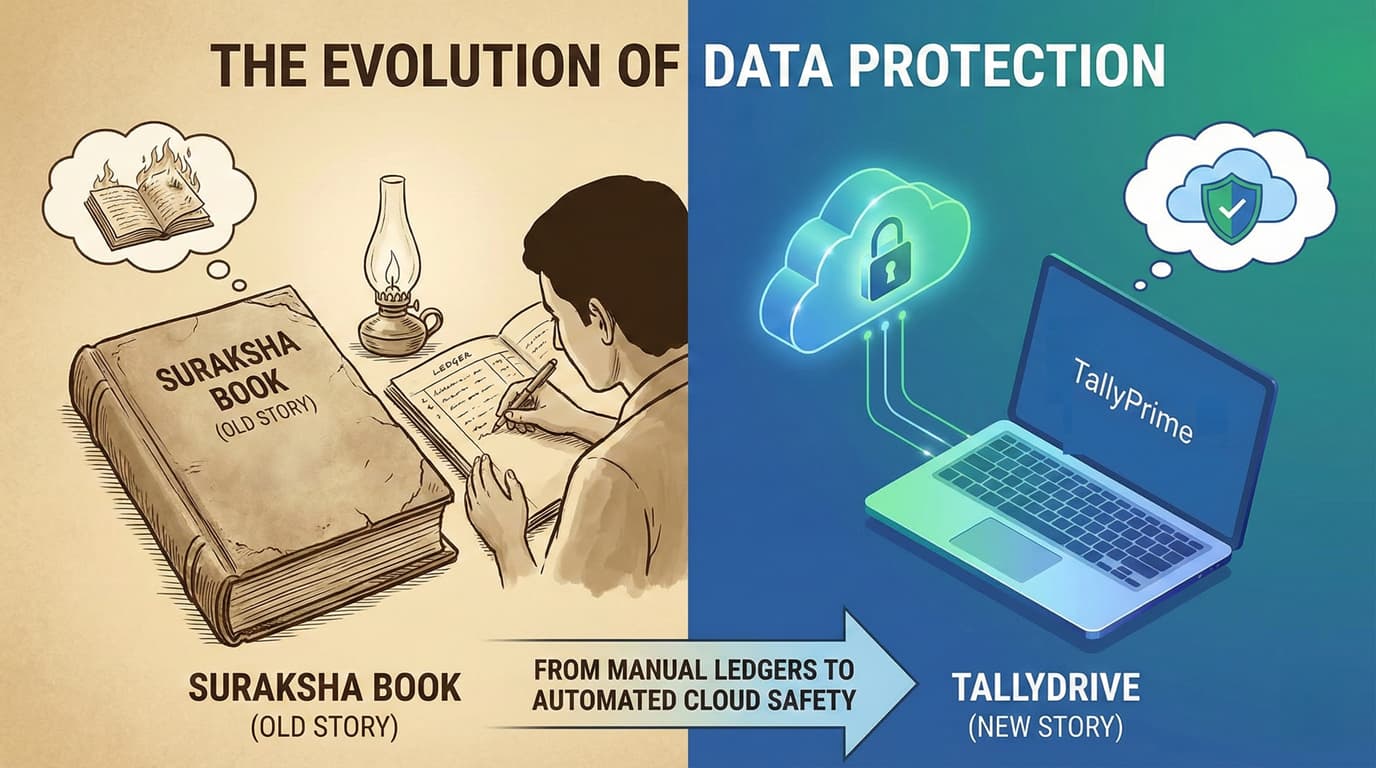
Today, digital backup is exactly like that "Suraksha" book. Read in this blogpost how the TallyPrime Backup system acts as a 'Suraksha' book for your business.
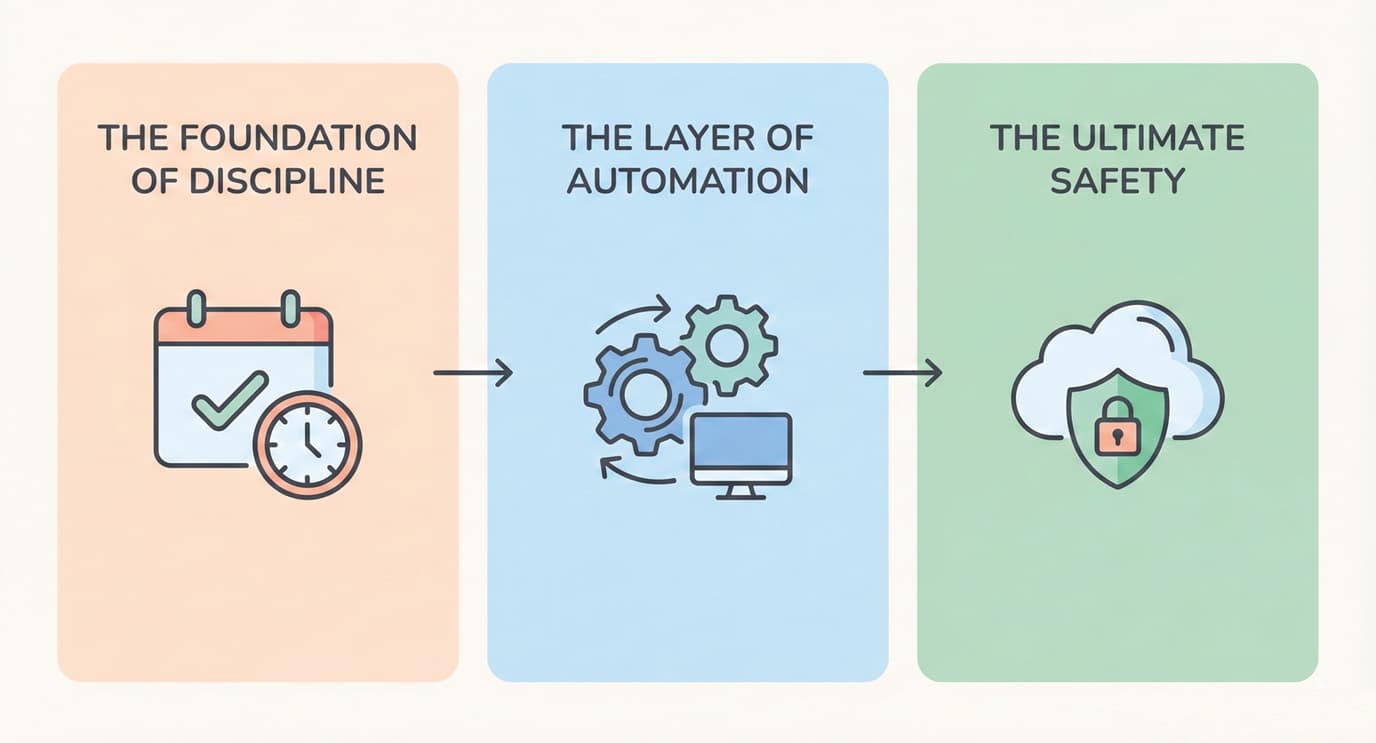
TallyPrime Backup Layers to Make Your Financial Data Invincible
- The Foundation of Discipline: Overcome Forgetfulness with Automated Backup
- The Layer of Automation: TallyPrime 7.0's Built-in Scheduler
- The Ultimate Safety: TallyDrive Cloud Backup
The Foundation of Discipline: Overcome Forgetfulness with Automated Backup
The greatest weakness of any manual backup system is human error. In the daily rush of running a business, it's incredibly easy to forget a task that has no immediate deadline. This is where discipline breaks down and risk increase. This first layer of protection is about building the essential habit of consistent backups.
The New "TallyPrime 7.0" now can take auto backup with Background Auto-Backup system of your data even if you forget to open Tally or if you have closed the TallyPrime application for the day. This simple change transforms the psychology of backups.
The Layer of Automation: TallyPrime 7.0's Built-in Scheduler
Once the discipline of regular backups is established, the next layer is to make it effortless. With the release of TallyPrime 7.0, a game-changing native feature was introduced: Scheduled Backups.
The scheduler offers the flexibility to match any business's operational tempo. You can configure automatic backups to run on a consistent schedule that suits your transaction volume. The options include:
- Daily: Ideal for businesses with a high volume of daily transactions where even a single day's data loss would be significant.
- Weekly: A balanced approach for businesses with regular but less frequent activity.
- Monthly: Suitable for less frequent users or for creating archival snapshots of company data.
This feature allows you to automatically back up your data to a local drive or the new TallyDrive cloud service, ensuring a consistent and reliable backup is always available without any daily effort. Note that this functionality is available only for company data that has been migrated to TallyPrime 7.0.
The Ultimate Safety: TallyDrive Cloud Backup
While local backups protect you from software corruption, they are still vulnerable to local disasters like a system crash, hardware failure, fire, or theft. For the ultimate protection, your data needs an off-site copy. This third layer provides a disaster-proof fortress for your most critical asset. TallyDrive, Tally's integrated and secure cloud storage solution, provides exactly that.
The true power of TallyPrime 7.0 is unleashed when you configure the scheduler to back up directly to TallyDrive. This combines effortless automation with off-site security, creating a 'set it and forget it' system that protects you from both forgetfulness and physical disaster. Backing up to TallyDrive stores your company data in the cloud, linked directly to your Tally.net ID and secured with an optional password. This means that even if your physical computer is completely lost, your financial data remains safe and accessible. Tally has made this enterprise-level security incredibly accessible with generous storage tiers:
- Silver License: Includes 1 GB of free TallyDrive storage.
- Gold License: Includes 3 GB of free TallyDrive storage.
- Paid Add-on: An additional 10 GB of storage can be purchased for a nominal fee of ₹100 + GST (₹118).
This affordable pricing structure ensures that every Tally user, from a small business to a large enterprise, can secure their data against the worst-case scenarios.
Summary: From Risk to Safety
Relying on manual backups is a strategy based on hope - hope that you'll remember, hope that your system won't fail. But hope is not a business plan. By leveraging the tools available in TallyPrime, you can move from a position of risk to one of resilience. By combining the discipline of Automated Backup, the automation of the built-in scheduler, and the safety of TallyDrive, you create a multi-layered defense system where each component protects against a different type of risk. These tools work together to build layers of security, transforming data protection from a chore into a powerful, reliable business process.
Now is the time to ask yourself a critical question: If your computer failed this very second, is your financial data safe?
Common Questions (Q&A)
Q: How do I take a manual backup in Tally? A: Press Alt+Y (Data) > Select Backup > Choose where to save > Select your Company and press Enter.
Q: What is TallyDrive? It is a secure online locker by Tally. It saves your data on the internet so you don't lose it if your computer crashes.
Q: Can I schedule automatic backups? Yes! If you use TallyPrime 7.0, you can use the "Schedule Backup" option to do it daily or weekly automatically.
Q: How much does TallyDrive cost? You get 1GB to 3GB free with your license. For extra 10GB, it is only ₹100 + GST.







