



A Conversation That Stayed With Me
Recently, I attended a Tally event in Bangalore where the latest version, TallyPrime 7.0, was launched.
What stood out wasn’t just the product update.
It was the conversations.
During a coffee break, I found myself talking to a group of CFOs, CAs, and finance professionals. The topic quickly shifted from features to reality.
One CA said something very honest:
“Audits don’t fail because of wrong accounting.
They fail because data is missing, corrupted, or incomplete.”
That line stayed with me.
Because in my experience as a CFO, most accounting risks don’t come from intent, they come from poor backup discipline.
1. Accounting Risk Is Often a Data Risk
When we talk about accounting risk, we usually think about:
- wrong entries
- compliance gaps
- missed filings
But there’s a quieter risk most businesses underestimate:
Data availability at the right time.
In audits, the most common problems are:
- missing backup files
- incomplete transaction history
- corrupted company data
- inability to restore previous versions
- last-minute scrambling before audit deadlines
None of these are accounting errors.
They are backup failures.
And during audits, there’s no “we’ll fix it later”.
2. Why Manual Backups Create Invisible Risk
Most businesses still depend on:
- someone remembering to take backups
- external drives that may not work
- backups stored on the same system
- files that are never tested for restoration
On paper, backups exist.
In reality, they often fail when needed most.
As a CFO, I’ve seen this pattern repeatedly:
- audit date approaches
- backup file exists
- restore fails
- panic begins
This is where automation changes the risk equation.
3. Automated Backups: A Quiet Risk Control
One of the most practical discussions at the Bangalore event was around automated backups — not as a feature, but as a risk control mechanism.
With TallyPrime 7.0, automated backups are designed to:
- run automatically in the background
- continue even when the application is closed
- follow a defined schedule (hourly, daily, or weekly)
From a CFO’s lens, this removes:
- dependence on people
- memory-based processes
- last-minute backup stress
Automation doesn’t just save time — it reduces accounting risk silently, every day.

4. Multi-Location Backups = Audit Confidence
Another risk we often ignore:
“What if the backup exists — but in the wrong place?”
Good audit hygiene requires redundancy.
TallyPrime 7.0 supports:
- cloud backups via TallyDrive
- local hard drive backups
- server or network location backups
This means:
- even if one system fails, data survives
- auditors can access historical data confidently
- finance teams are not dependent on a single device
For audit readiness, this matters more than most people realize.

5. How Automated Backups Actually Smoothen Audits
Let’s talk practical outcomes.
When automated backups are in place:
- previous company versions are easily available
- audit trails remain intact
- historical data can be restored without delay
- compliance queries are answered faster
- stress levels drop — noticeably
TallyPrime 7.0 allows flexible restoration, including:
- restoring specific company versions
- restoring from cloud (TallyDrive)
- restoring from local or downloaded backups
This flexibility is what turns audits from a firefight into a controlled process.
Auditors don’t want perfection.
They want clarity and continuity.
6. Visibility Makes Backups Audit-Friendly
One underrated risk area is not knowing whether backups are actually happening.
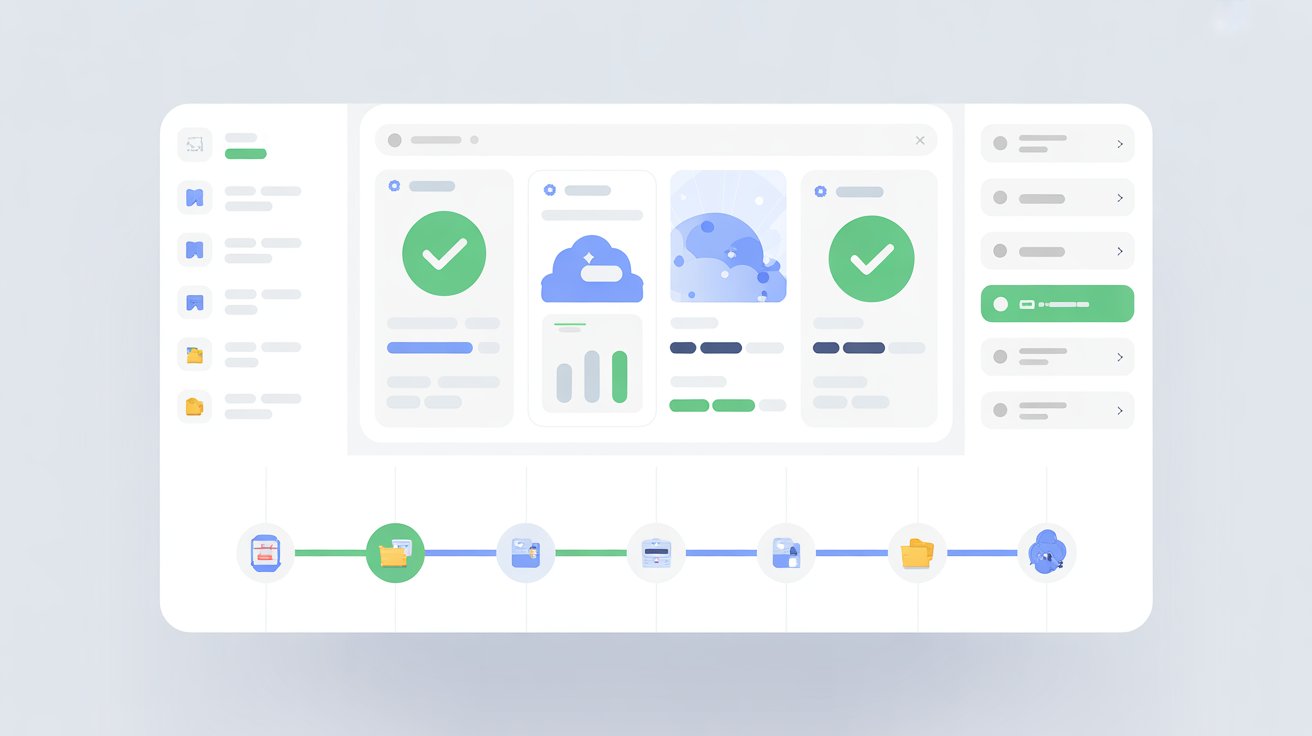
TallyPrime 7.0 addresses this through the Schedule Backup Report, which provides:
- a centralized view of all backup schedules
- visibility into storage usage
- access to previous backup versions
- control to modify or execute backups when needed
For finance leaders, this visibility turns backups into a reviewable internal control, not a black box.
7. Importance of Automated Backups for CA Firms & Growing Businesses
For CA firms managing multiple clients or growing businesses handling multiple entities, the risk multiplies.
Automated backups:
- protect against accidental deletion
- reduce dependency on individual team members
- safeguard data during system crashes or file corruption
- ensure continuity even during staff changes
This is why many professionals at the Bangalore event echoed one thing:
“Backup automation is no longer optional, it’s foundational.”
Conclusion: Automation Turns Backups Into a Business Safeguard
Backups are rarely discussed in boardrooms.
But when something goes wrong, they become the first question auditors ask.
Automated backups help businesses:
- reduce accounting risk
- stay audit-ready
- protect compliance data
- maintain operational confidence
With TallyPrime 7.0, automated backups quietly work in the background — not to impress, but to protect.
CFO’s Simple Audit-Ready Backup Checklist
- Automated backups (hourly/daily/weekly)
- Multiple storage locations
- Secure access with passwords & recovery keys
- Easy restoration of past versions
- Backup review included in audit prep
Because in accounting and audits,
what you can’t retrieve — you can’t defend.







