There are numerous rules under the GST regulations that exporters must abide by in India. One such key rule is the need to furnish a Letter of Undertaking, or LUT. This is a critical document as it allows exports without any upfront IGST charges. The LUT helps support cash flow and reduces refund delays.
Exporters should have a nuanced understanding of the filing procedure to file a fresh LUT for every financial year. The following article will explain how the LUT works. It shows why the annual filing matters and how GST software helps you manage it with ease.
What is an LUT?
A Letter of Undertaking is a declaration filed on the GST portal. It is submitted under Form GST RFD-11. This letter allows exporters to send goods or services without IGST payment. Exports then qualify as zero-rated supplies.
Exporters who do not furnish an LUT must take another route. They must pay IGST and then claim a refund. This extra step blocks working capital and increases compliance steps. Hence, the LUT route is a simpler and more business-friendly approach.
Why is LUT important for an exporter?
As briefly mentioned above, the Letter of Undertaking helps manage cash flow. It removes the need to pay IGST. This increases funds and saves the exporter from the hassles of claiming refunds. Hence, it reduces errors linked to refund claims. It also makes export planning smooth during the year.
Exporters of goods, services, and suppliers to SEZ units can file an LUT. New exporters can adopt the LUT route. So, it’s an accessible option for your business. The rule is simple: if you plan to export in a financial year, you need an LUT for that year.
What is the annual validity of the LUT?
The LUT is valid for one financial year. It expires on 31 March each year. So, you must renew it at the start of each new financial year. If the LUT lapses, you lose the zero-rated status for new exports.
If you don’t renew immediately, you may need to pay IGST until you file a new LUT. Late filing also creates year-end reconciliation issues. So, it's best to stay ahead of the curve when it comes to filing the LUT. Many exporters complete it in April to avoid tax blocks on the first shipment.
What are the key details needed for filing an LUT?
To file an LUT on the GST portal, exporters must keep certain details ready for verification. While the portal itself does not require uploading documents, having the correct information on hand ensures a smooth filing process. Exporters should keep the following ready:
- GST registration details (GSTIN and login access)
- PAN and basic business information
- IEC, if you are a goods exporter
- Details of the authorised signatory
- KYC records maintained for internal compliance
- Previous year’s LUT reference, if applicable
- A valid DSC or EVC for authentication
These details will help you complete Form GST RFD-11, which is used to file the LUT for the new financial year. Once the information is in place, the online submission process is simple and quick.
How to file or renew the LUT?
The LUT is a critical document for exporters. So, you must follow the correct steps for filing your LUT. To help you with that, here is the step-by-step filing process on the GST portal:
- Log in to the GST portal with your GSTIN and password
- Go to Services, click User Services, and then Furnish Letter of Undertaking
- Select the financial year for which you want to file the LUT
- The system will open Form GST RFD-11
- Enter the required details of the exporter and authorised signatory
- Enter the witness details
- Confirm the declarations in the form
- Submit the form using DSC (mandatory for companies/LLPs) or EVC (for proprietors, partnerships)
- The system will generate an ARN on success
- Save a copy of the filed LUT for your records
The ARN acts as proof of filing. You can download the acknowledgement from the dashboard at any time. Once the LUT is successfully filed, you can export goods or services under the zero-rated category for that financial year.
Some common LUT filing mistakes to avoid
Many exporters face issues due to small errors. Here are a few common mistakes that you can avoid to help make the filing process much easier:
- Filing LUT after starting exports
- Missing witness details
- Errors in authorised signatory data
- Failing to renew the LUT on time
- Missing export documents during audits
How can a GST software help in LUT filing?
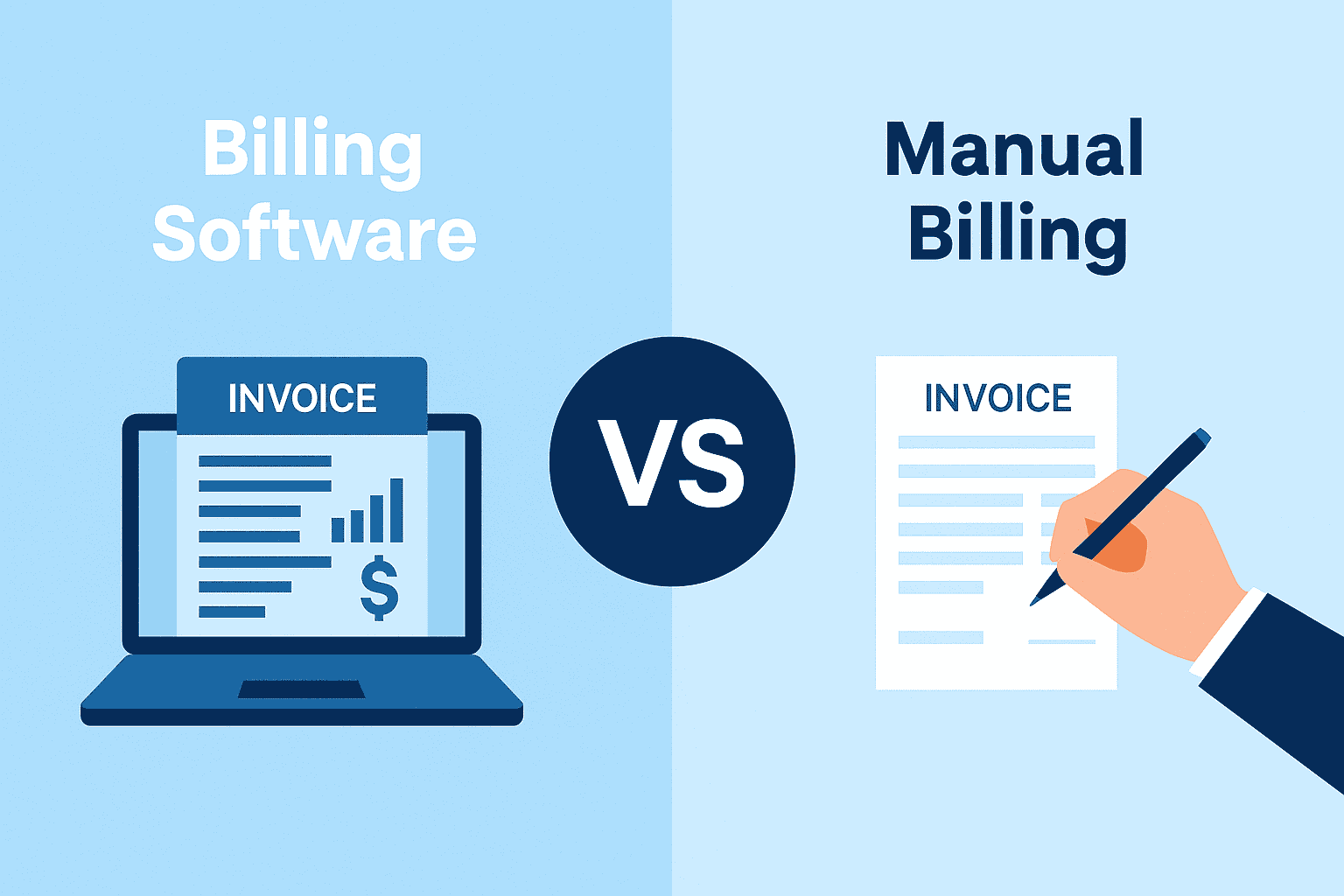
A structured system helps you stay compliant. This is where GST software plays a strong role. It helps in:
1. Export tracking
GST software helps classify export invoices. It tags invoices that fall under the LUT route. It also maintains data for each financial year. This enables you to review which transactions use the LUT.
2. Automated alerts
The software can alert you when the LUT is due for renewal. This prevents delays in filing at the start of the year.
3. GST calculator support
A GST calculator helps check the IGST liability on exports. This enables you to track tax exposure if an LUT expires. It also helps verify tax values if you shift to the IGST route for any period.
4. Smoother compliance
Software like TallyPrime helps maintain clean GST records. It supports export classifications, summaries, and reconciliations. You can stay ready for the next LUT filing cycle. It reduces manual effort and simplifies compliance.
Conclusion
LUT filing is a simple step, and it plays a major role in export compliance. Annual renewal ensures that you continue to export goods and services without paying IGST. It also helps protect cash flow and reduces refund-related work.
With tools like TallyPrime, you can easily track export records. Regular checks and clean records help you avoid penalties and delays. A well-managed LUT process supports smooth exports.