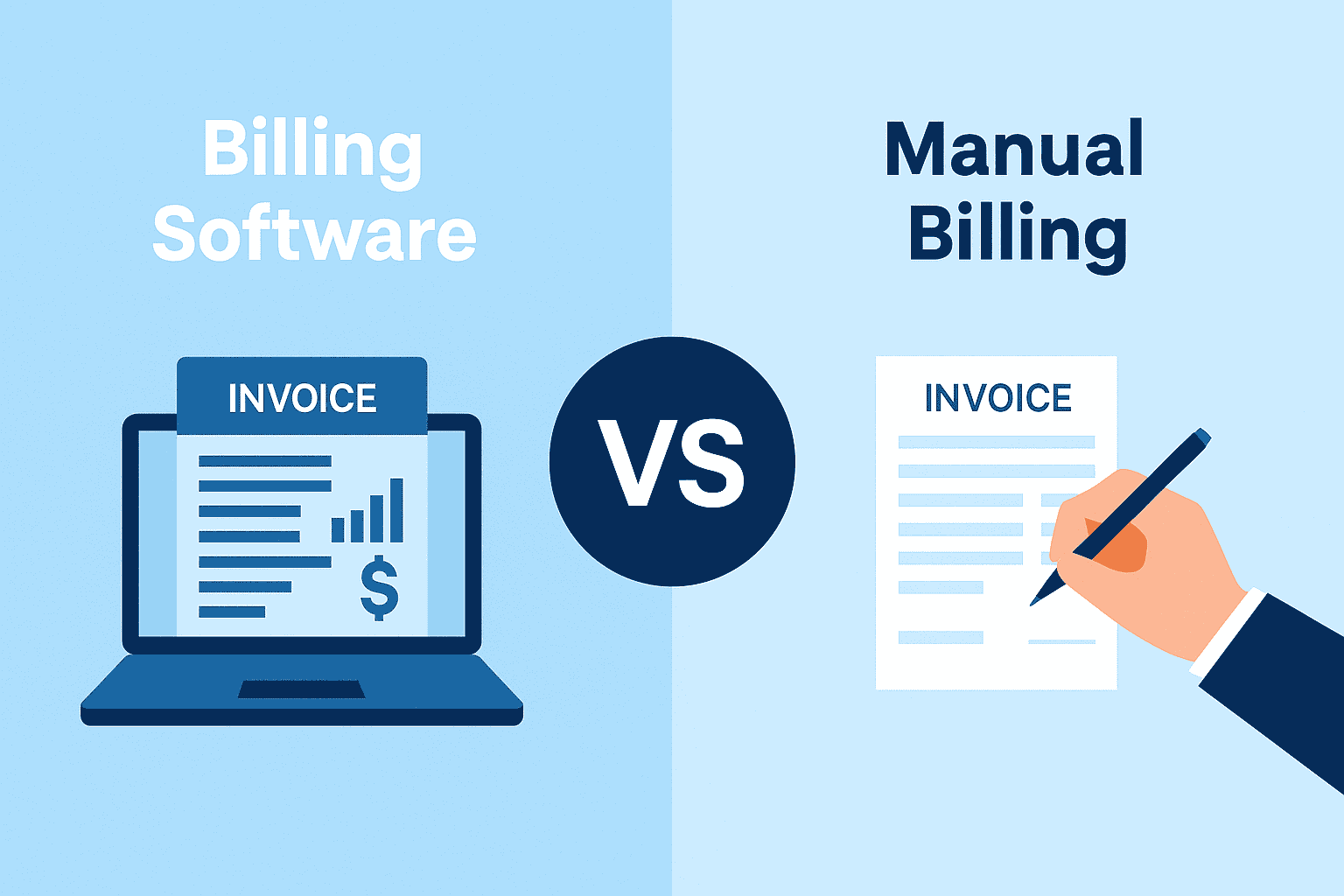
Efficiency drives growth for Indian MSMEs. Yet, many entrepreneurs spend hours weekly on manual tasks like chasing payments and reconciling bank statements. Automation solves this problem. Modern Business Management Software handles routine duties with ease.
It ensures accuracy and frees you to focus on expansion. This blog post shows you how to implement these workflows.
Understanding business automation
Automation in a business context simply means setting up rules in your business management software to perform tasks without human intervention. Instead of typing an email to a client for an overdue payment, your software detects the delay and sends a pre-formatted reminder automatically. It reduces human error, speeds up cash flow, and ensures compliance.
Key areas to automate for MSMEs
Before diving into the "how," identify the "what." Here are the highest-impact areas where automation yields immediate returns:
1. Invoicing and collections
Manual follow-ups are awkward and time-consuming. Automating payment reminders ensures consistency.
- Workflow: First, the system detects that an invoice due date has passed. Second, it waits for a pre-set buffer period (e.g., 2 days). Finally, it automatically sends a polite email or SMS reminder to the client.
2. Inventory management
Running out of stock halts production and sales.
- Workflow: When stock drops below the defined Reorder Level, an automation system triggers an alert to the Purchase Manager or auto-generates a Purchase Order for approval.
3. Bank reconciliation
Matching bank statement entries with your company books manually is prone to errors.
- Workflow: You import the e-Statement, and the system automatically matches amounts and dates. It then auto-reconciles the matches and highlights only the exceptions for your review.
4. Compliance & GST
Waiting until the 20th of the month to organise data for GSTR-3B is risky.
- Workflow: As soon as a transaction is recorded, the system auto-updates the relevant GSTR tables and checks for errors (e.g., missing HSN) in real-time.
Setting up workflows in Business Management Software
Mentioned below are the steps to set up workflows:
Step 1: Audit your manual processes
Spend one week tracking your time. Identify tasks that are:
- Repetitive (done daily/weekly).
- Rule-based (e.g., "If X happens, do Y").
- Prone to data entry errors.
Step 2: Configure your business management software
Most modern business management software comes with built-in automation features that just need to be enabled.
- Define Masters: Ensure your customer and supplier ledgers have accurate email addresses, GSTINs, and credit periods defined. Automation relies on clean master data.
- Set Rules: Configure your credit limits, reorder levels, and payment terms.
Step 3: Test the workflows
Before going live, run a test. Create a dummy transaction to see if the payment reminder is generated or if the GST report updates correctly.
Step 4: Monitor liquidity in real-time
One of the biggest benefits of automation is real-time data. You no longer need to wait for month-end to know your cash position. You can use a Business Liquidity Calculator or your software's built-in ratio analysis to check your Current Ratio and Quick Ratio instantly, ensuring you have enough liquid assets to cover short-term liabilities.
Automating with TallyPrime
Implementing these workflows becomes significantly easier when your accounting platform supports them natively. TallyPrime is engineered to handle the complexities of Indian businesses with powerful automation features that work largely in the background.
Auto-bank reconciliation
TallyPrime supports over 145 banks for auto-reconciliation. Simply import your bank statement (Excel/CSV), and TallyPrime will automatically reconcile transactions that match, leaving you to deal only with the exceptions.
Automated payment reminders
You can configure TallyPrime to track "Bills Receivable" and generate reminder letters for overdue parties. With the "Save View" feature, you can create a custom view of all customers with bills overdue by >30 days and access it instantly every morning.
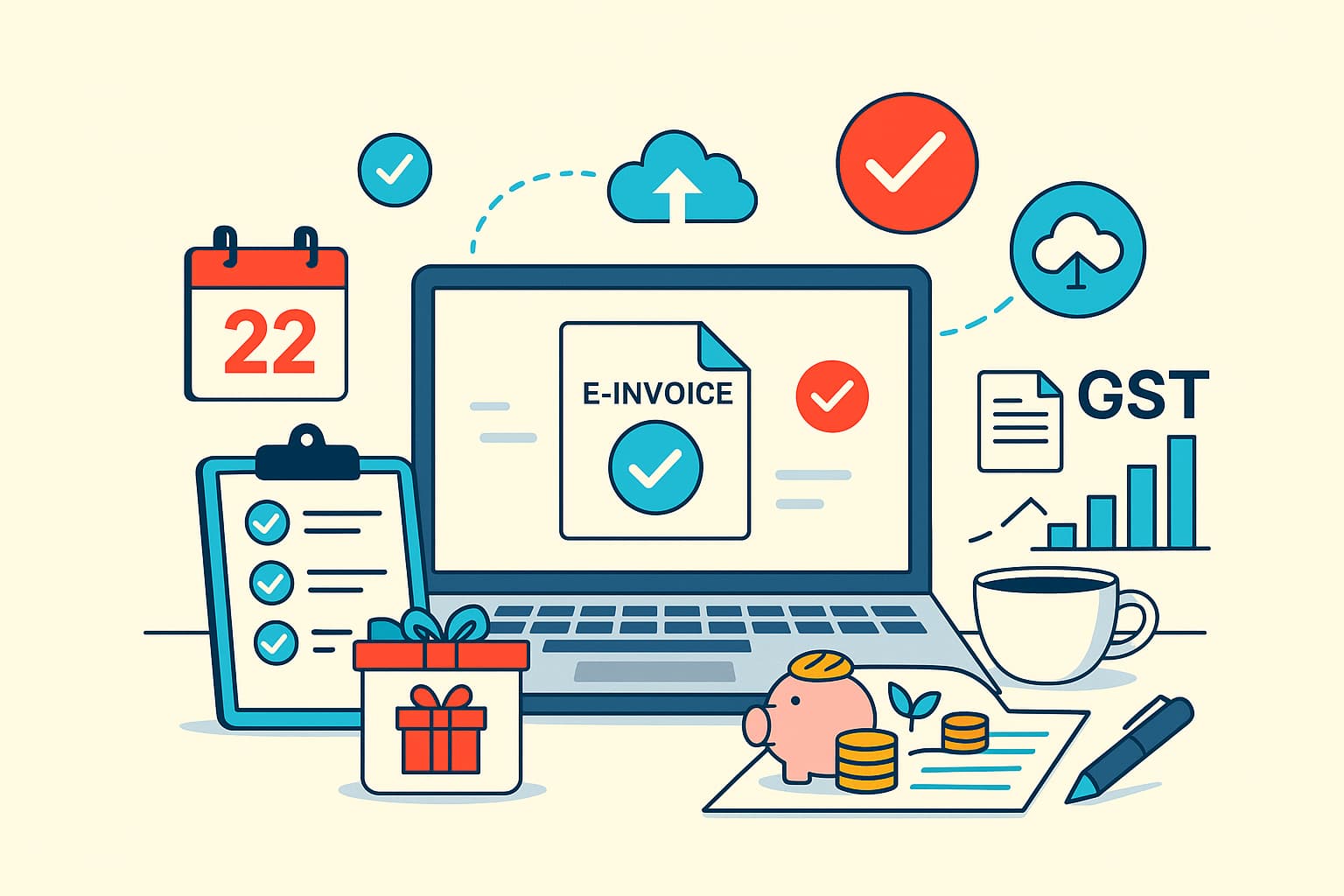
e-Invoicing & e-Way bill automation
Instead of navigating to the government portal manually:
- Record the invoice in TallyPrime.
- TallyPrime sends the data to the IRP/NIC portal directly.
- The IRN and QR code are automatically fetched and printed on your invoice.
This happens in seconds, without you leaving the software.
Cheque printing & management
TallyPrime eliminates the need to hand-write cheques. It manages your cheque books, tracks used/cancelled leaflets, and prints cheques directly, reducing the risk of error and fraud.
Conclusion: Setting up workflows
Automation is the bridge between a disorganised small business and a streamlined, scalable enterprise. By setting up these workflows, you not only save time but also gain the peace of mind that your compliance, collections, and inventory are on autopilot.
Don't let slow manual processes hold you back. Explore the automation capabilities of TallyPrime today and turn your focus from managing operations to growing them.