Across Indian wholesale and manufacturing hubs, pricing directly affects how fast orders close. From traders negotiating bulk discounts to manufacturers managing margins across dealers, the ability to offer accurate, customer-specific pricing is a clear competitive advantage.
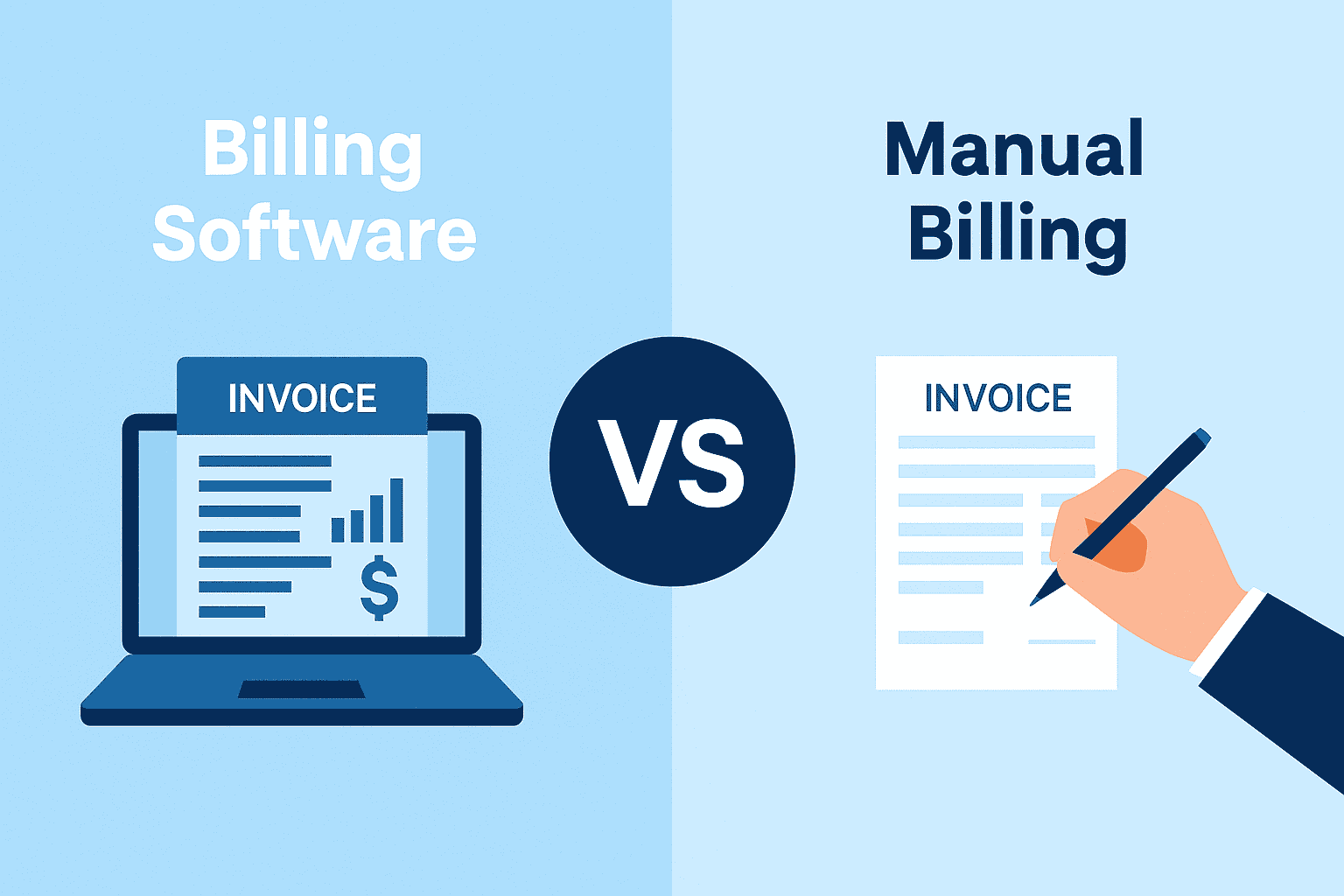
Smart MSME owners know that a "one size fits all" pricing strategy rarely works. You need to reward bulk buyers with volume discounts and differentiate between your retail and wholesale customers. However, managing these complex pricing structures manually is a recipe for error. This is where modern billing software can help.
This quick guide explains how to leverage technology to set up dynamic pricing models.
What are Tiered Pricing and Volume Discounts?
Before discussing the setup, it is essential to understand the strategy:
- Tiered pricing: This involves setting different price points for different categories of customers. For example, a "distributor" might get a product at ₹100, a "retailer" at ₹110, and an "end consumer" at ₹120.
- Volume discounts: This is a quantity-based incentive. "Buy 10 pieces at ₹100 each; buy 50 pieces at ₹90 each."
Implementing these strategies encourages larger orders and helps clear inventory faster, but it requires robust business billing software to handle the logic automatically during invoicing.
Steps to Configure Pricing Rules
Setting up these rules digitally ensures that your sales team never quotes the wrong price, protecting your margins.
1. Define Customer Categories
Segment your customers. Are they dealers, sub-dealers, or walk-in customers? Your software should allow you to tag ledgers with these definitions.
2. Establish Quantity Slabs
Decide your break-even points. Common slabs look like this:
- Retail slab: 1 to 10 units.
- Wholesale slab 1: 11 to 100 units.
- Wholesale slab 2: 101+ units.
3. Set Rates or Discount Percentages
You can either set a flat lower rate (e.g., ₹95 instead of ₹100) or apply a percentage discount (e.g., 5% off) for each slab.
4. Automate Invoice Application
Once configured, the billing software should automatically detect the customer type and the quantity entered at the time of sale, fetching the correct rate instantly.
Automating Pricing with TallyPrime
TallyPrime removes the need for manual rate cards and eliminates calculation errors. Its "Price List" feature is designed specifically to handle multiple price levels and quantity-based rates effortlessly.
Creating Multiple Price Levels
In TallyPrime, you can define specific "Price Levels" such as wholesale, retail, or export. You can then assign specific customers to these levels. When you select a customer ledger during invoicing, TallyPrime knows exactly which price list to look at.
Defining Quantity-Based Rates
You can configure items with specific quantity slabs.
- Example: If you sell "cement bags":
- Less than 50 bags: Rate ₹400
- 50 to 100 bags: Rate ₹390
- Above 100 bags: Rate ₹380
When your data entry operator enters "60 bags" in the invoice, TallyPrime automatically applies the ₹390 rate. This automation ensures zero errors and prevents unauthorised discounts.
Separate Discount Columns
If you prefer to show the standard rate while offering a visible discount, TallyPrime lets you enable a separate "Discount" column on invoices. You can pre-set these discounts based on the stock item or customer group, ensuring your invoices remain transparent and professional.
Why You Should Automate Pricing Now
Relying on memory or printed price lists is risky. Here is why automation is vital:
- Speed: Billing happens in seconds as rates are auto-fetched.
- Consistency: Every salesperson quotes the same approved price.
- Margin protection: Prevents selling below the minimum threshold by mistake.
- Professionalism: Computerised invoices with clear discounts build trust with buyers.
Conclusion
In a high-volume business, pricing accuracy is as important as sales volume. By setting up tiered pricing and volume discounts in your business billing software, you not only incentivise your customers to buy more but also safeguard your profits against manual errors.
Move away from manual rate lookups. Let your software handle the math while you focus on closing the deal.
Ready to streamline your sales process? Upgrade to TallyPrime and master your pricing strategy.