In any growing business, quotations and invoices play a critical role in building credibility and ensuring smooth financial operations. They are official records that reflect your brand’s reliability, pricing transparency and payment discipline.
To manage these documents effectively, businesses need a consistent and efficient approach. Using a well-designed invoice template helps ensure accuracy and professionalism, while an invoice generator simplifies the process by reducing manual effort and the risk of errors. Together, they enable you to quickly create clear quotations and convert them into invoices, improving cash flow and streamlining billing.
In this blog, we will discuss how to create professional quotations and convert them seamlessly into an invoice.
What is a professional quotation?
A quotation is a formal document that outlines the cost of goods or services you plan to deliver to a client. It serves as a reference point for pricing, scope and expectations before work begins. Unlike informal price estimates, a professional quotation is a structured, transparent document that is legally relevant once accepted.
Key elements of a professional quotation
To ensure clarity and professionalism, your quotation should include:
Business details: Company name, logo, address and contact information
Client details: Client’s name, company and address
Quotation number: A unique reference number for tracking
Date and validity period: Defines how long the quote is valid
Itemised list of services or products: Share it with descriptions and quantities
Financial Figures: Subtotal, taxes and total amount
Terms and conditions: Payment terms, delivery timelines and policies
Note: Using a standardised invoice template for quotations will ensure consistency and make future conversions easier.
Best practices for creating professional quotations
Here are some of the best practices for creating professional quotations:
Be clear and detailed
Avoid vague descriptions. Clearly define what the client will receive to prevent misunderstandings later. Itemised pricing builds trust and transparency.
Use consistent branding
Your quotation should reflect your brand. Use your logo, brand colours and professional formatting. This reinforces credibility and makes your documents instantly recognisable.
Include clear terms
Specify payment timelines, accepted payment methods, late fees (if any) and delivery schedules. This minimises disputes once the quotation is accepted.
Leverage digital tools
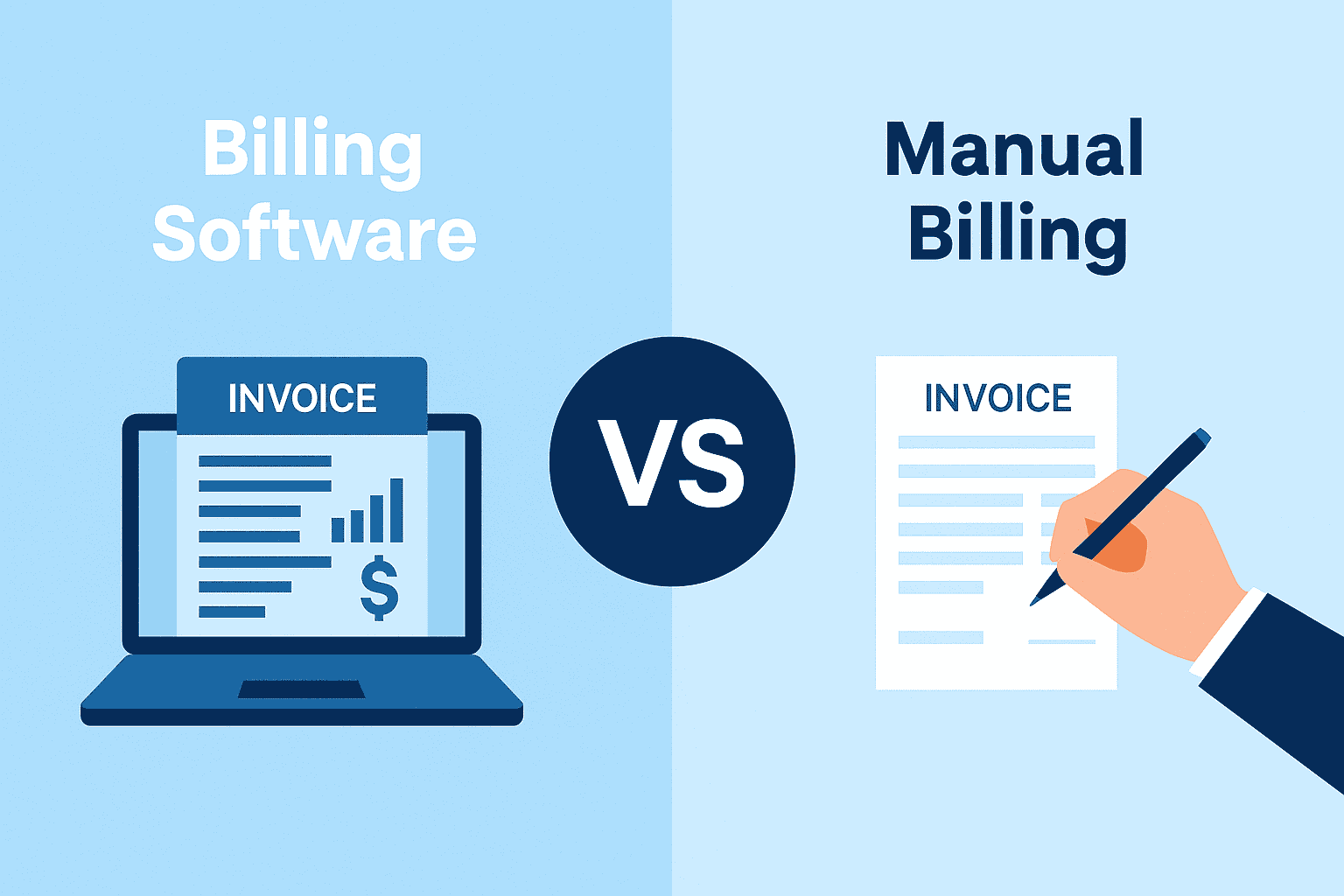
Manual quotation creation can be time-consuming and error-prone. Digital tools and templates streamline the process and maintain accuracy.
What is invoicing and why does it matter?
Invoicing is the point where completed work turns into actual revenue. It is the process of requesting payment by issuing a detailed bill for goods or services provided. If an invoice is delayed, incorrect or unclear, payment is delayed or challenged. A clear, accurate invoice does three things:
- Confirms exactly what the client is paying for
- Sets expectations for when and how payment should be made
- Creates a permanent financial record for tracking income and resolving disputes
How to convert a quotation into an invoice
Follow the steps below to convert a quotation into an invoice:
Confirm client approval
Ensure you have written approval via email, a signed quotation or a digital confirmation before converting the quote into an invoice. This step becomes necessary if both parties haven’t agreed upon a price quotation earlier.
Duplicate the quotation
Most modern invoicing tools allow you to duplicate a quotation and convert it into an invoice with one click. This preserves all pricing, item descriptions and terms.
Update invoice-specific details
Modify or add:
- Invoice number
- Invoice date
- Payment due date
- Payment instructions
- Updated invoice amount (if applicable)
Unlike quotations, invoices are legally binding payment requests, so accuracy is critical.
Send and track
Email the invoice directly from your system or download it as a PDF. Tracking features help you monitor whether the invoice has been viewed or paid.
Why use an invoice generator?
An invoice generator takes efficiency to the next level. It automates invoice creation, calculations and conversions.
Key advantages of an invoice generator
Below are some of the key advantages of using an invoice generator:
- Automation: Automatically calculates totals, tax and discounts
- Error reduction: Minimises human calculation mistakes
- Time-saving: Converts quotations into invoices instantly
- Payment integration: Some tools allow clients to pay directly online
- Record management: Stores all documents securely for future reference
For businesses managing multiple projects or recurring clients, an invoice generator can significantly improve productivity and cash flow management.
Conclusion
Creating professional quotations and converting them into invoices is a foundational business skill that directly impacts your brand image and financial health. By following best practices, using a reliable invoice template and leveraging a modern invoice generator, you can streamline your billing process, reduce errors and get paid faster.